
Forgot Your LTMS Email? what Do This First Update (2026)
If you forgot the email you used for your LTMS Portal account, the first thing to do is stop guessing. Trying random emails over and over will not help, and it can waste time when you need to renew your license or open your records. The official LTMS login page has a Forgot Password option, but that only helps if you still know the registered email or your LTO Client Number.
What many users do not know is this: LTO does not publicly give back your forgotten LTMS email or client number through the FOI platform. In several published FOI responses, LTO denied those requests because of the Data Privacy Act and told users to contact Client Care instead.
Do This First
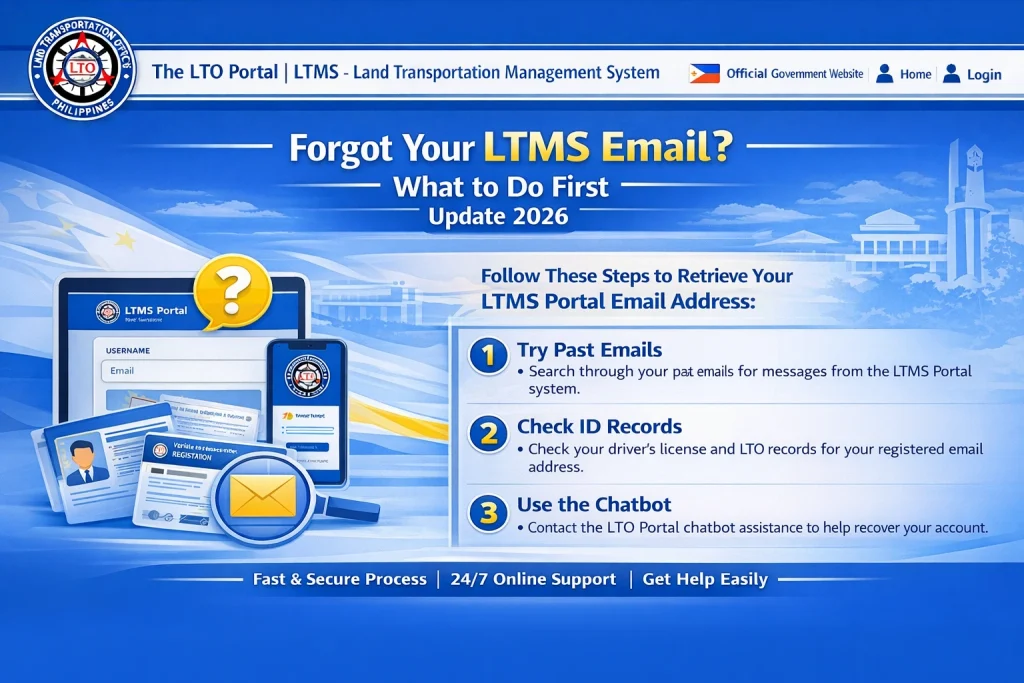
Start by checking the email accounts you usually use. Search for old messages using words like LTMS, LTO, portal, driver’s license, or registration. If you still know your LTO Client Number, try the Forgot Password tool on the official LTMS login page because that is the fastest recovery route.
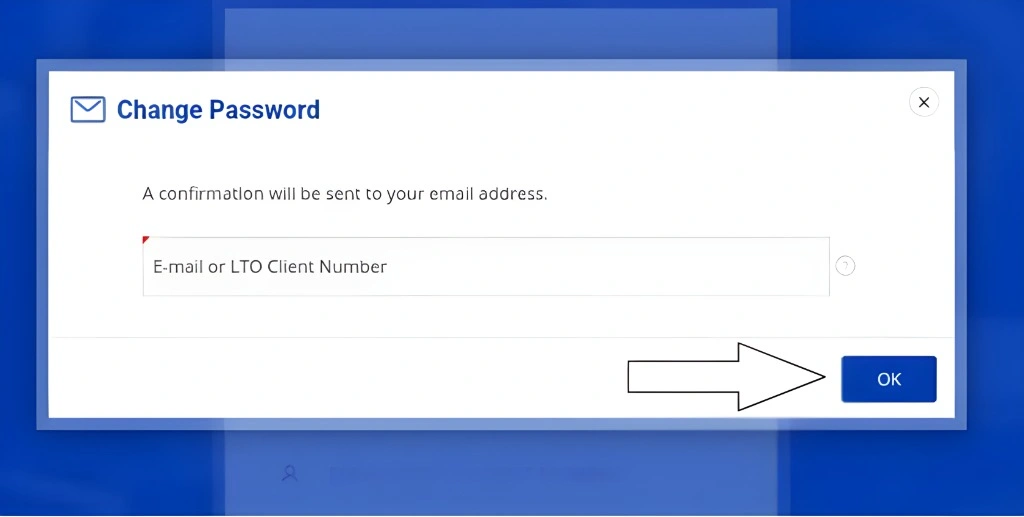
If you do not know the registered email and you do not know your client number, skip the FOI route and go straight to LTO Client Care. That is the path LTO itself tells users to follow for account retrieval or account changes.
You can also read: How to Recover Your LTMS Portal Account Update 2026
What LTO Asks You to Prepare
LTO’s published response says you should send these requirements to Client Care: an active email address, one valid ID with signature, a letter of consent dated today with your name and signature, and a current photo of you holding your valid ID.
This matters because many recovery requests get delayed when users only send a short message and forget the identity documents. If you prepare everything first, your request is clearer and easier to process.
Where to Ask for Help
The LTMS Portal has an official Contact Us page for LTO Client Care, and LTO’s published Client Care material also points users to clientcare@lto.gov.ph for personal LTMS portal account access concerns, including correction of email.
A Simple Message You Can Send
Subject: LTMS Account Recovery Request
Good day.
I forgot the email linked to my LTMS Portal account and I cannot access my account.
My full name is [Your Full Name].
My active email address is [Your New Email Address].
I attached my valid ID, signed consent letter dated today, and my current photo while holding the same ID.
Thank you.
This format matches the details LTO says users should provide when asking for account retrieval or email correction.
What Not to Do
Do not keep filing FOI requests just to recover your LTMS email. LTO’s published responses show that these requests are denied because personal information cannot be publicly released through that platform.
Do not create a new LTMS account right away unless LTO tells you to. If your old records are tied to your original account, making another one can create more confusion later. This is an inference based on how LTMS records are tied to personal account details, so it is safer to try official recovery first.
FAQs
Conclusion
If you forgot your LTMS email, the best first move is to check your old inboxes and try the official Forgot Password tool only if you still know your registered email or client number. If you do not know either one, go straight to LTO Client Care with your active email, valid ID, consent letter, and photo holding your ID. That is the official direction LTO has given in repeated public responses, and it is the most direct way to recover your account.


