
How to Recover Your LTMS Portal Account Update 2026
Getting locked out of your LTMS Portal account is frustrating, especially when you need to renew a license, check records, or complete an LTO transaction. The good news is that account recovery is usually possible. The right fix depends on one simple question: do you still have access to your registered email or LTO Client Number?
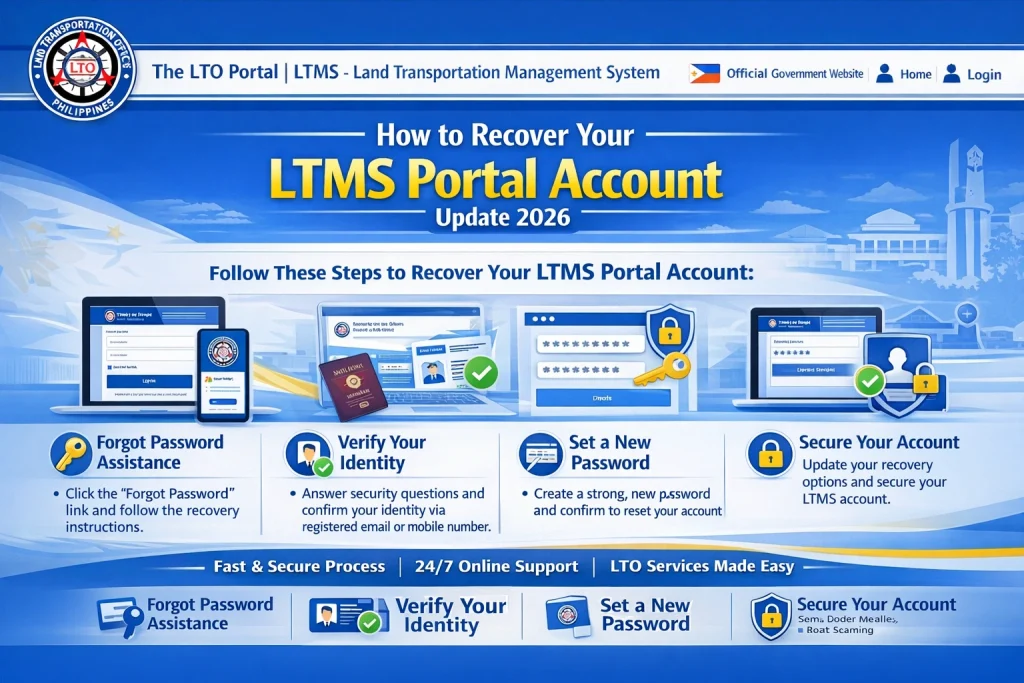
If you still know your registered email or your LTO Client Number, the fastest option is the built in Forgot Password tool on the official LTMS login page. If you forgot your registered email, forgot your client number, or can no longer open the old email account, LTO usually moves you to a manual identity check through Client Care.
Quick Recover
Recover your LTMS Portal account by using Forgot Password if you still know your registered email or LTO Client Number. If you forgot both, or lost access to the email you used before, LTO does not release those details through public FOI requests because of privacy rules. Instead, users are directed to LTO Client Care and asked to submit identity documents for account retrieval or email correction.
You can also read: LTMS Portal Login Problems and Easy Fixes in 2026 Philippines
Method 1: Recover Your Account With Forgot Password
This method works best if you still remember the email address you used when you registered, or if you still know your LTO Client Number. The official LTMS login page shows a Forgot Password option, which is the first recovery step for most users.
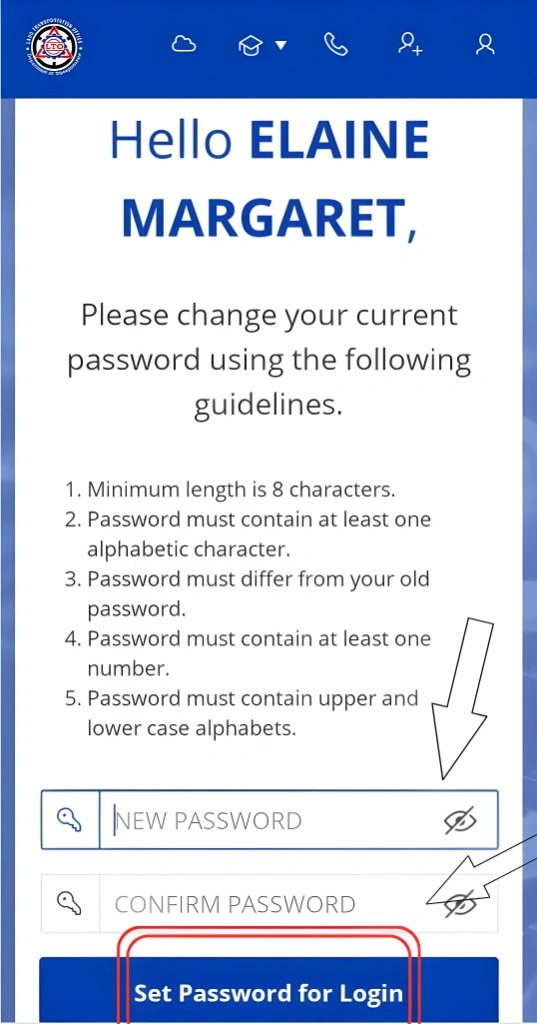
This is the easiest path because it does not require manual checking by LTO, as long as your recovery email is still accessible.
Method 2: Recover Your Account If You Forgot Your Email or Client Number
This is the problem many users struggle with. A lot of people do not just forget the password. They also forget the email address they used or the client number connected to the account. Public FOI requests asking LTO to reveal those details have been denied because LTO says it cannot publish personal information that way.
Instead, LTO directs users to Client Care for account retrieval or account changes. In multiple LTO responses, the agency says users should submit an active email address, one valid ID with signature, a letter of consent dated today with name and signature, and a current photo holding the valid ID.
What to Prepare Before You Contact LTO Client Care
Prepare the following before you ask for help so your request is complete the first time.
Use an active email address that you can open anytime. LTO responses repeatedly mention this as part of the recovery requirements.
Prepare one valid ID with your signature. This is part of the identity check used for account retrieval or email correction.
Write a short letter of consent dated today. The letter should clearly state that you allow LTO Client Care to change or retrieve your LTMS Portal account.
Take a current photo of yourself holding your valid ID. LTO responses list this as another requirement for recovery requests.
How to Contact LTO Client Care
The LTMS Portal has an official Contact Us page for writing to LTO Client Care. LTO’s published client care material also points account access concerns, including correction of email address and personal information, to Client Care at clientcare@lto.gov.ph.
When you send your request, keep it simple. Include your full name, your active email address, and a short explanation of the problem. LTO’s published client care material says the email should include the full name of the client, an active email address, and details of the concern.
Sample Recovery Message You Can Use
Subject: Request to Recover LTMS Portal Account
Good day.
I am requesting help to recover my LTMS Portal account. I forgot the email address or client number linked to my account, and I can no longer access it.
My full name is [Your Full Name].
My active email address is [Your New Active Email].
Attached are my valid ID, signed consent letter dated today, and my current photo while holding the same ID.
Thank you.
This format matches the kind of information LTO says it needs for manual account retrieval and account changes.
What If You Never Receive the Reset or Verification Email
Start with the simple checks first. Look in your spam, junk, and promotions folders. If you still cannot recover the account through the normal reset flow, move to Client Care instead of repeating the same failed step many times. Several published guides also suggest this practical flow, although the official anchor remains the LTMS Contact Us page and Client Care process.
Can You Recover the Account by Filing an FOI Request
In practice, no. LTO has repeatedly denied FOI requests that ask for forgotten LTMS email addresses, client IDs, or similar personal account details. The reason given is privacy protection. The agency instead tells users to contact Client Care and submit identity documents.
This is important because many people waste time filing the wrong request. If your issue is account access, recovery, or email correction, go straight to Client Care.
When to Visit an LTO Office
If your case is urgent, or if online recovery is not moving forward, an in person visit may help because staff can verify your identity directly. This is a practical route mentioned in user guides and community discussions, though the formal public instructions still point first to Client Care and identity documents.
Bring the same documents you would send by email. That means your valid ID, your signed consent letter, and your current photo holding the ID. Having everything ready can save time.
Common Mistakes That Delay LTMS Account Recovery
One common mistake is using an inactive or inaccessible email for recovery. LTO specifically asks for an active email address, so use one you can open right away.
Another mistake is sending a vague request without proof of identity. If you skip the valid ID, consent letter, or current photo holding the ID, your request may take longer because LTO needs to confirm that the real account owner is asking for the change.
A third mistake is trying to solve an email access problem with the normal password reset tool. Forgot Password helps only when you still know the registered email or the client number and can receive the recovery instructions. If not, manual recovery is usually the better path.
FAQs
Conclusion
The easiest way to recover your LTMS Portal account is to start with Forgot Password on the official login page. That works when you still know your registered email or LTO Client Number. If you forgot those details, or lost access to the email account you used before, the better route is manual recovery through LTO Client Care with proof of identity.
The main thing to remember is this: do not waste time trying random emails or filing public requests for private account details. Prepare your documents, contact Client Care, and make your request clear and complete. That gives you the best chance of getting back into your LTMS Portal account without extra delay.


