
Does a Screenshot of Your License Count? (2026 Guide)
If you have a digital LTO driver’s license and you’re wondering whether a screenshot of it is valid — for example, at checkpoints, traffic stops, or official purposes — the answer is sometimes yes, and sometimes no.
Let’s break it down in a way that’s easy to understand.
When a Screenshot Can Be Accepted
A clear screenshot of your digital license can generally be accepted in situations like:
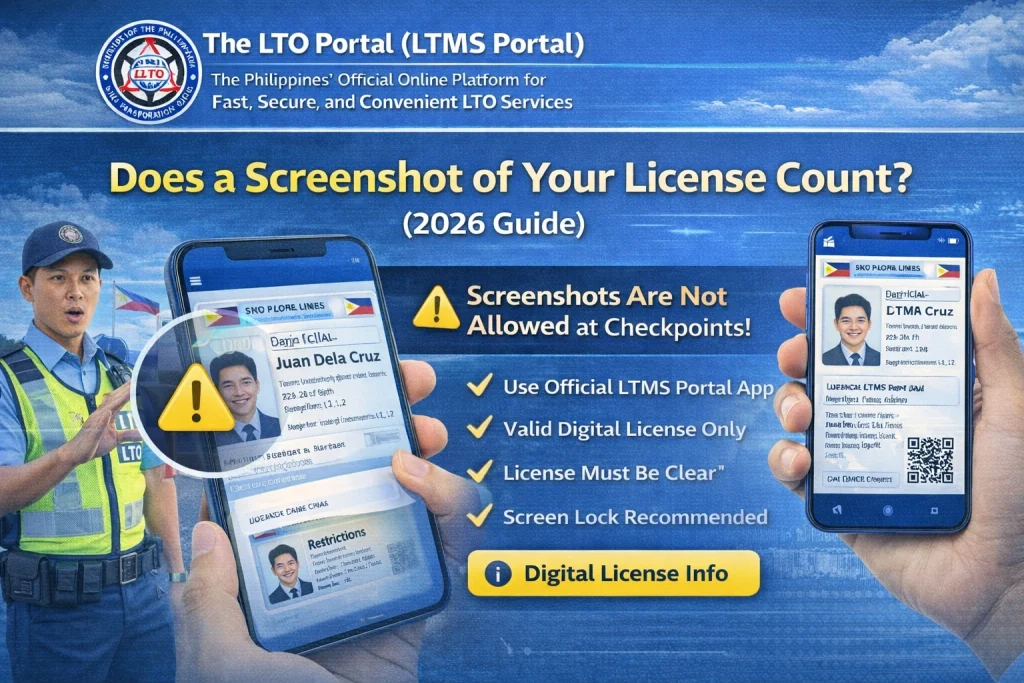
As long as the screenshot clearly shows:
…most officers will accept it because it shows all the information they need.
This is especially true when the official digital license app or online portal isn’t opening properly — a screenshot can act as proof while you sort the digital file.
You can also read: Why LTMS Renewal Gets Stuck at Payment (Easy Guide 2026)
When a Screenshot May Not Be Enough
In some situations, a screenshot might not be accepted:
In those cases, an officer might ask you to show the official digital license inside the portal or even ask for the physical card.
So What’s the Best Practice?
Here’s what most motorists do:
This way, you’re prepared in case the screenshot isn’t accepted or if your phone loses signal, runs out of battery, or the portal isn’t loading.
Tips for Using a Screenshot Safely
Officers are more likely to accept a clean, unedited screenshot that shows everything clearly.
What the Law Thinks About Screenshots
Right now, the official digital license is recognized, but screenshots are not officially guaranteed in every situation. Law enforcement is trained to accept digital versions, and many do accept screenshots, but acceptance can vary by location and officer.
So a screenshot usually works fine but having the official digital file or physical card gives you the most confidence.
FAQs
Conclusion
Yes — a screenshot of your digital driver’s license usually counts in many situations, like at checkpoints or when asked to prove your license. But it’s not officially guaranteed everywhere.
To be safe:
Use the official digital license first
Keep a screenshot as a backup
Carry your physical card if possible
This makes sure you’re always ready — no matter the situation.


