
LTMS Password Reset Not Working? Try This Update (2026)
If you are trying to reset your LTMS Portal password and it is not working, you are not alone. Password resets are essential for accessing your account to renew licenses, check records, or pay fines. Understanding why the reset might fail and how to fix it is important. LTO’s official guidance shows that password recovery issues are common and may involve verifying your account through Client Care.
Why Your Password Reset Might Fail
There are several reasons why the LTMS password reset may not work:
You can also read: How to Link Your License to LTMS Portal Latest Update (2026)
Quick Checks to Try First
Before contacting LTO, do the following:
When It’s an Account Issue
If you have tried all of the above and still cannot reset your password, the problem may be with your LTMS account itself. LTO Client Care handles account verification and corrections, including password recovery for users who cannot access their registered email or whose account information needs updating.
How to Contact LTO Client Care
The official Client Care process requires submitting:
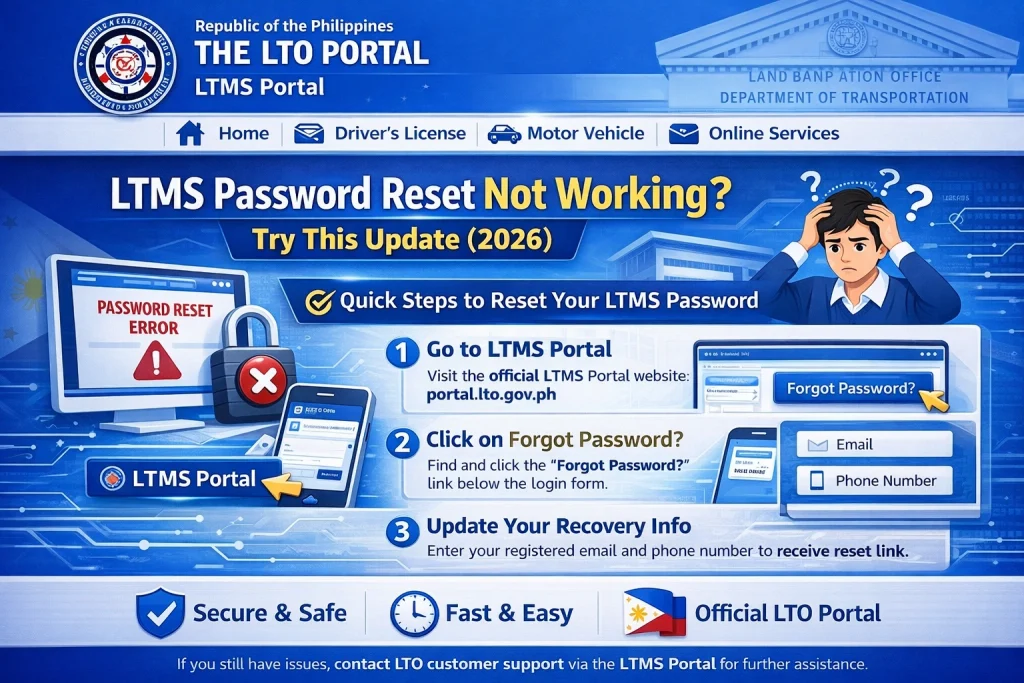
The LTMS Contact Us page collects your Name, Client ID, email, and concern to process such requests efficiently.
Common Mistakes to Avoid
Repeatedly requesting password resets with the wrong email or client number.
Using an inactive or old email that cannot receive messages.
Trying to resolve the issue via FOI requests; LTO’s published FOI responses explicitly deny these requests for password resets.
Creating a new LTMS account before recovering your original account, which can create duplicate records.
How to Secure Your Account After Reset
After successfully resetting your password, make sure to:
What to Do if Email Access is Lost
If you cannot access the email linked to your LTMS account, password reset will not work. In this case:
FAQs
Conclusion
If your LTMS password reset is not working, start by verifying your email and client number, check your spam folder, and request a new reset code. If these steps fail, submit a request to LTO Client Care with the required documents for account verification. Following this official process ensures a safe and reliable password recovery.


