
How to Change Your LTMS Email Address Latest Update (2026)
If you want to change the email address linked to your LTMS Portal account, the safest way is to treat it as an account access and account correction issue. LTO’s own client care materials list correction of email address as part of LTMS-related support, and public FOI requests asking for email recovery or account changes are routinely denied because of privacy rules.
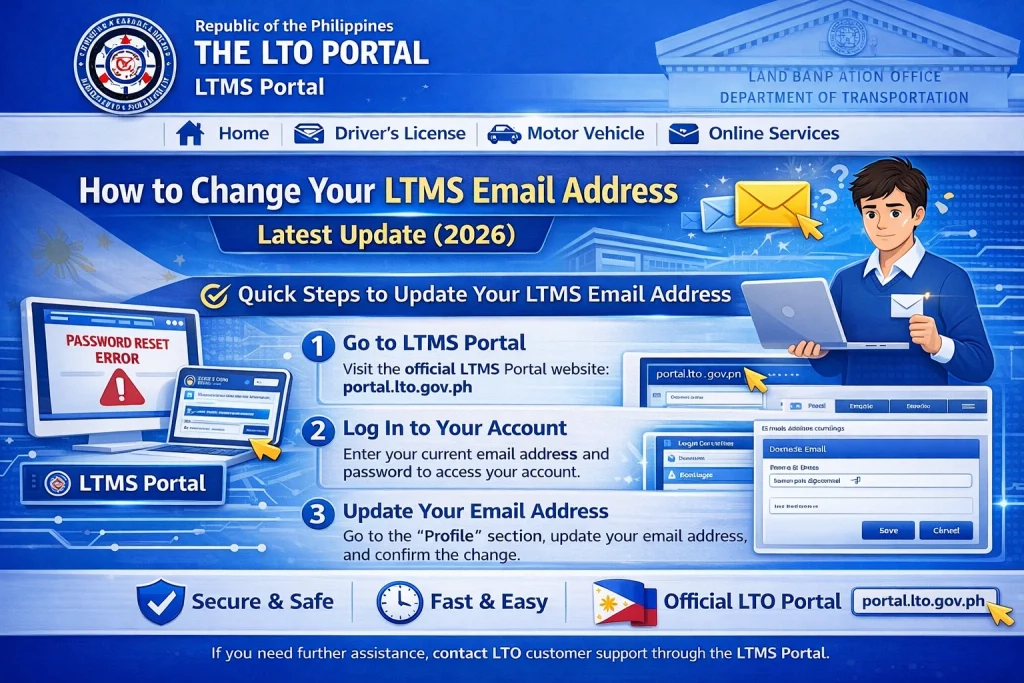
Quick Change
You should not rely on the FOI route to change your LTMS email. LTO’s public responses say personal account details cannot be released or changed through that channel. Instead, users are directed to Client Care and asked to submit identity documents so LTO can verify the real account owner before making changes.
You can also read: LTMS Password Reset Not Working? Try This Update (2026)
When You Need to Change Your LTMS Email
Most users need an email change for one of these reasons: they forgot the old email, they no longer have access to it, they typed the wrong email during registration, or they want to move the account to a new active email. LTO’s client care process covers change or retrieval of LTMS portal account details, including email correction.
Do This First Before Sending a Request
Before you contact LTO, prepare the new email address you want to use and make sure it is active and accessible. Also gather one valid ID with signature, because LTO’s published responses repeatedly require identity documents before they will change or retrieve LTMS account details.
Documents You Need for an LTMS Email Change
LTO’s published guidance says users should prepare an active email address, one valid ID with signature, a consent letter dated today with name and signature, and a current photo while holding the same valid ID. These are part of the identity check used before Client Care processes an account change or retrieval request.
Where to Request the Change
LTO has an official Client Care contact page inside the LTMS system for account concerns. The contact form asks for identifying details such as name or client ID, email, topic, and the user’s concern, which matches the kind of information needed for an email correction request.
A Simple Request You Can Send
Subject: Request to Change LTMS Email Address
Good day.
I am requesting to change the email address linked to my LTMS Portal account because I can no longer access my old email.
My full name is [Your Full Name].
My new active email address is [Your New Email].
Attached are my valid ID, signed consent letter dated today, and my current photo while holding the same ID.
Thank you.
This format fits the requirements LTO has published for change or retrieval of LTMS portal account details.
Common Mistakes to Avoid
Do not file an FOI request just to change your LTMS email. LTO’s own public responses show that these requests are denied because of the Data Privacy Act. Also, do not create a second LTMS account right away just because you lost access to the old email. It is safer to recover or correct the original account first so your records stay connected properly. The first point is directly supported by LTO’s published FOI replies; the second is a practical inference from how LTMS account access and retrieval are handled.
What Happens After You Submit Your Request
Once you send a complete request, LTO can review your documents and verify your identity before changing or retrieving your account details. Cases usually move more smoothly when the request is complete the first time, because LTO’s own responses show that the process depends on identity validation.
FAQs
Conclusion
Changing your LTMS email address is possible, but the right path is not FOI. The better route is to use LTO Client Care, submit your active new email, valid ID, consent letter, and current ID photo, and let LTO verify your account properly. That is the approach LTO itself points users to in its public guidance and FOI responses.


