
LTMS Account Locked? Here’s How to Fix It Update (2026)
Getting locked out of your LTMS account can be frustrating, especially if you need to renew your driver’s license, pay fines, or access your vehicle records. Don’t panic — most locks are temporary or recoverable. This guide will walk you through everything you need to do step by step, whether your account is locked due to multiple failed logins, forgotten passwords, or lost email access.
Why LTMS Accounts Get Locked
Accounts can be locked automatically after multiple incorrect login attempts to protect your personal information. Sometimes the system may also block accounts temporarily if suspicious activity is detected. Understanding why your account is locked helps you avoid repeating mistakes and keeps your records safe.
You can also read: Forgot Your LTMS Email? what Do This First Update (2026)
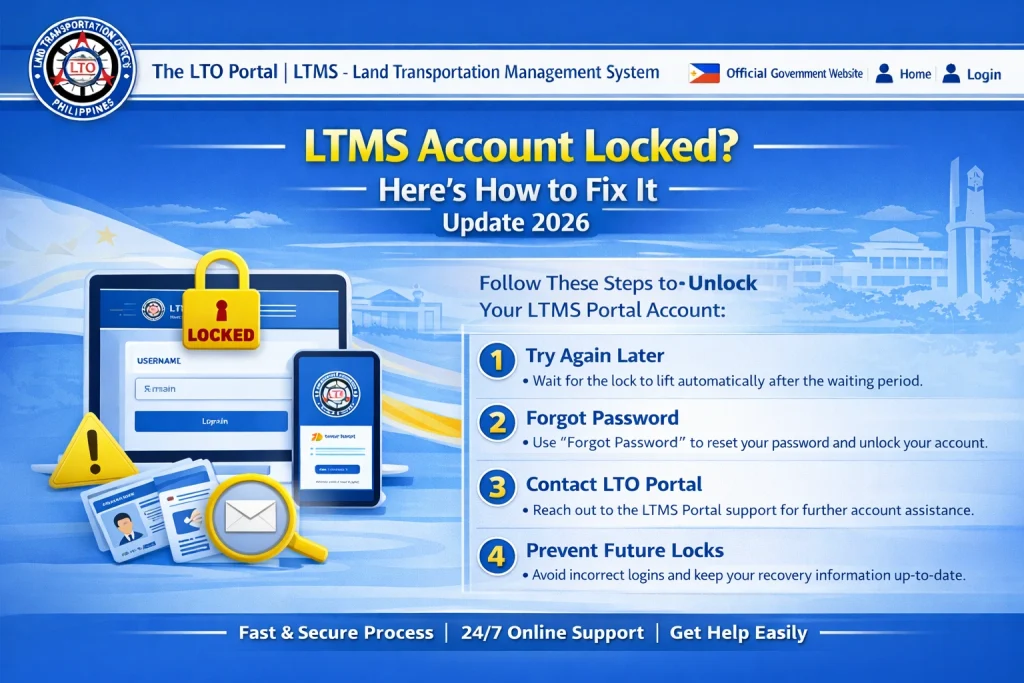
Step 1: Wait and Try Again
Some account locks are temporary. If your account is locked due to failed password attempts, waiting a few hours may automatically lift the lock. Avoid repeatedly trying random passwords, as this can extend the lock.
Step 2: Use the Forgot Password Tool
If you still know your registered email or LTO Client Number, the fastest recovery method is using the Forgot Password option on the LTMS login page. Follow the instructions to reset your password and regain access. Check all folders in your email, including spam and junk, for the reset message.
Step 3: Contact LTO Client Care
If you cannot access your registered email or have forgotten your client number, LTO cannot provide this information publicly due to privacy regulations. You need to contact LTO Client Care for account recovery.
Documents LTO Requires
Prepare the following before contacting Client Care:
Providing all required documents at once helps speed up the recovery process.
Step 4: Visit an LTO Branch (Optional)
If online recovery is slow or your situation is urgent, visiting the nearest LTO branch can be a practical option. Staff can verify your identity directly and help unlock your account faster. Bring the same documents you would submit to Client Care.
Step 5: Common Mistakes That Delay Recovery
Avoiding these mistakes saves time and prevents confusion with your LTMS records.
How to Protect Your Account After Recovery
Once your account is unlocked, make sure to:
Tips for a Smooth Recovery Process
FAQs
Conclusion
If your LTMS account is locked, start by using the Forgot Password tool if you still know your email or client number. If that doesn’t work, contact LTO Client Care with the required documents. Visiting a branch is a practical option for urgent cases. Following these steps avoids delays and ensures your account is safely recovered.


