
Why Your LTMS OTP Is Not Arriving Latest Update (2026)
If you are trying to log in to your LTMS Portal or perform a transaction and the OTP (One-Time Password) does not arrive, it can be frustrating. OTPs are essential for verifying your identity, so understanding why it may not be received and how to fix it is important.
Common Reasons OTPs Don’t Arrive
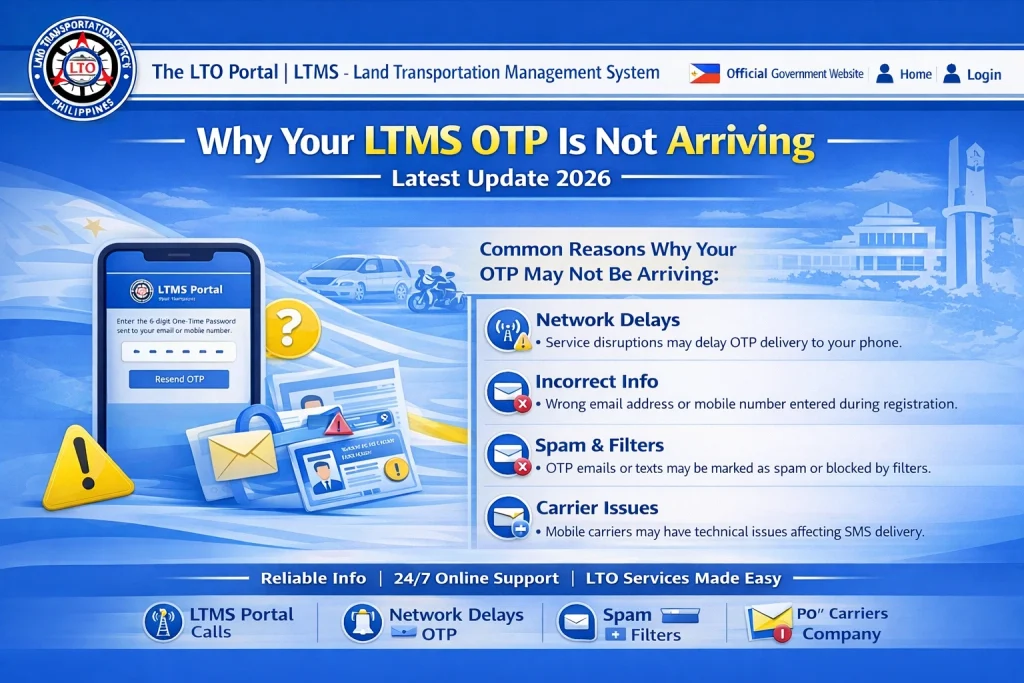
If your registered mobile number or email is outdated or mistyped, the OTP will not be delivered. Always ensure your account details are correct.
Temporary network disruptions, weak signals, or mobile carrier delays can prevent the OTP from reaching your device.
LTMS Portal may experience high traffic, causing delays in sending OTPs. This is common during peak registration or renewal periods.
Messages may be blocked by your mobile phone’s spam filter or your email’s spam/junk folder.
OTPs have a limited validity period. If you wait too long before entering the code, it may expire and you need a new one.
You can also read: LTMS Account Locked? Here’s How to Fix It Update (2026)
How to Fix OTP Delivery Issues
Verify Account Details:
Make sure your registered phone number and email are correct.
Check Spam or Junk Folders:
Emails sometimes go to these folders instead of the inbox.
Request a New OTP:
Use the resend option if available and enter it promptly.
Restart Your Device:
Sometimes a simple restart resolves network or app issues.
Try at a Different Time:
If the portal is busy, waiting a few minutes or trying during off-peak hours can help.
Why OTP Delivery Problems Could Be a Sign of Account Issues
Sometimes, repeated OTP failures can indicate deeper account issues such as:
Recognizing this early can prevent delays and guide you to the correct solution — often contacting LTO Client Care.
How to Ensure OTPs Arrive Smoothly Every Time
Hidden Technical Tips Most Users Don’t Know
Proactive Steps to Prevent OTP Issues
Always update your contact information immediately after changing numbers or emails
Enable notifications for messages and emails to avoid missing OTPs
Avoid using shared or temporary email accounts for LTMS recovery
Keep a backup of your LTO Client Number in a secure location for emergencies
Contact LTO Client Care
If you have tried the above steps and still cannot receive your OTP, contact LTO Client Care. For account verification, be ready to provide:
This ensures the support team can assist you efficiently and safely.
FAQs
Conclusion
If your LTMS OTP is not arriving, check your account details, email/spam folders, and network connection. Resend the OTP if necessary, and contact LTO Client Care for further assistance if the problem persists. Following these steps ensures you can securely access your LTMS Portal without delays.


