
Solve LTMS Login Issues: No Email, No Client ID Update (2026)
If you’re having trouble logging into the LTMS Portal (Land Transportation Management System) and can’t find the verification email or client ID, don’t worry. You’re not alone! Many users face similar issues, but the good news is that this can be easily fixed.
Let’s break down the problem and guide you step-by-step.
Why You Might Be Facing These Issues
Before jumping into solutions, it’s important to understand why you might be seeing these issues:
Email Issues:
Missing Client ID:
You can also read: Should You Renew Your Driver’s License by LTMS or eGovPH?
Step-by-Step Fix for LTMS Login Problems
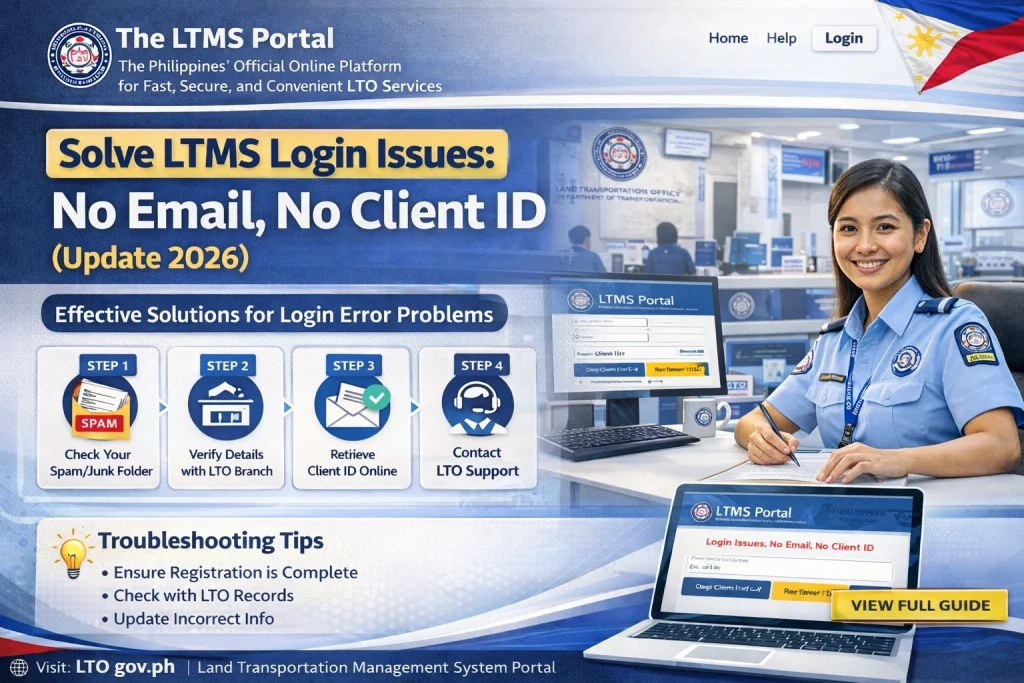
Wait for 24 hours: Sometimes, the system takes a while to process your registration and send the verification email.
Look in your spam folder: It’s common for the LTMS email to get redirected there, so make sure to check.
Try resending the verification email: If you have the option to resend the verification email, click on it and check your inbox again.
If the verification email still hasn’t arrived:
Make sure you didn’t make a typo in your email address. If you did, you might need to re-register with the correct address.
Go back to the LTMS registration page and double-check the email address you used.
Sometimes, login issues can be due to:
Clear browser cache: If you’re using the same browser, clear the cache to avoid bugs.
Browser issues: Try switching to a different browser (Chrome, Firefox, etc.).
Mobile vs. Desktop: If you’re using a computer, try using your mobile device instead, or vice versa.
If you can’t find your Client ID or forgot it:
Use the “Forgot Client ID” option: If available, this option will help you retrieve your Client ID by entering some basic details.
Check the email you received when registering: Some people receive their Client ID in the confirmation email when registering.
Login using your Driver’s License number: In case you’re missing the Client ID, try using your Driver’s License number to log in if the system allows it.
If the above steps didn’t work:
Include your full name, email address, and Driver’s License number (if available) in your email.
Email LTO Client Care: Reach out to the LTO support team with your issue, explaining that you didn’t receive the email or you can’t find your Client ID. They should help resolve the issue.
If nothing works and you need immediate access, visiting the nearest LTO office is the most reliable way to get your account fixed. The staff can assist you in recovering your email or Client ID, and help you complete your registration.
What to Do if You Don’t Have a Client ID Yet
If you’ve just registered and didn’t note your Client ID, it might not show up immediately in the system. Here’s how to manage that:
FAQs
Conclusion
Dealing with LTMS login issues like missing verification emails or Client IDs can be frustrating, but with the steps above, you should be able to resolve the problem. Patience and double-checking the details are key! If you’re still having trouble, don’t hesitate to reach out to LTO Client Care or visit an LTO branch for support.
Now, you’re all set to navigate the LTMS Portal smoothly!


