
LTMS Renewal Failed? Common Causes and How to Fix Them (2026)
If your LTMS renewal failed, you’re not alone. Many motorists experience renewal errors when trying to renew their driver’s license or vehicle registration on the LTMS Portal. The good news is that most of these problems have simple reasons and easy fixes.
In this article, we’ll explain the most common causes for LTMS renewal failure and how to solve them step by step.
What Does “Renewal Failed” Mean?
When the system says your LTMS renewal failed, it means the portal could not complete your renewal request. This may happen before payment, during payment, or after submission. It stops your renewal, and you usually get an error message or are returned to a previous page.
You can also read: LTMS vs eGovPH for License Renewal (What’s the Difference)
Common Causes Why LTMS Renewal Fails
- If your details like name, birthdate, license number, or address don’t match the official records, the system may reject your renewal request. Make sure all fields are filled correctly.
- Reason it happens:
- Typing mistakes
- Old account details not updated
- If your connection keeps dropping or is slow, the renewal request may not reach the server properly. This can stop your renewal from completing.
- Signs:
- Page keeps loading
- Renewal resets when you click a button
- If your browser is outdated or full of old cache files, the LTMS Portal may not work properly.
- What causes this:
- Using old browsers
- Stored cache interfering with portal functions
- Sometimes the renewal fails simply because the payment did not go through. This can happen due to:
- Card restrictions or blocks
- Insufficient funds
- Bank authorization not completed
- Payment gateway temporary issue
- If your payment fails, the renewal won’t proceed.
- The portal can log you out automatically after some time. If your session expires before you finish the process, the renewal may fail.
- This happens when:
- You stay too long on one page
- You leave the screen idle for a while
- Occasionally, the LTMS Portal server may have temporary problems or slowdowns. When this happens, some renewals fail even if everything you entered was correct.
- This is usually temporary and fixed by the system later.
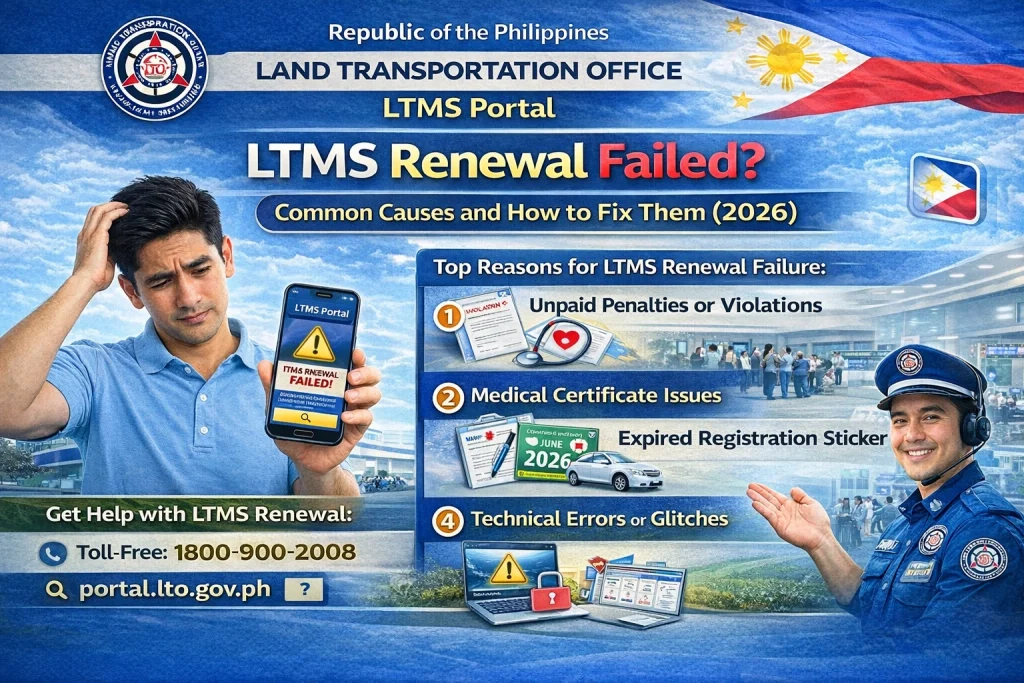
- In some cases, the renewal fails because the system requires additional documents or updates before you can renew.
- Examples:
- Missing medical certificate
- Missing CDE completion
- Pending traffic violations
- If these requirements are not met, the system may block the renewal.
- Examples:
- Examples:
- Missing medical certificate
- Missi
How to Fix LTMS Renewal Failure (Simple Steps)
Double‑Check Your Details
Make sure your:
Name
Birthdate
License number
Address
are all correct and spelled exactly as on your IDs.
Check Your Internet Connection
Ensure your internet is stable. Use Wi‑Fi if mobile data is slow, or restart your router if needed.
Clear Browser Cache or Use a Different Browser
Go to your browser settings and clear cache and cookies. If that doesn’t help, try a modern browser like Chrome, Firefox, or Edge.
Retry the Payment Method
If the renewal fails due to payment:
Try another card
Check your bank for restrictions
Make sure your card allows online payments
Avoid Session Timeout
Complete the renewal steps in one go. Avoid staying too long on a single page so your session doesn’t expire.
Try Again Later
If the portal server has a temporary error, wait a bit and try again later. Many system problems get fixed within a few hours.
Tips to Avoid Renewal Failures in the Future
FAQs
Conclusion
Renewal failure on the LTMS Portal can be frustrating, but most errors happen because of incorrect information, internet issues, payment problems, or missing requirements. By checking your details carefully, using a stable connection, and following the fixes above, you can usually complete your renewal successfully.
If the problem continues, try again later or contact support for help. With patience and attention to detail, you will renew your license or vehicle registration smoothly.


