
LTMS Vehicle Not Linked? 2026 Fix Guide (Latest Update)
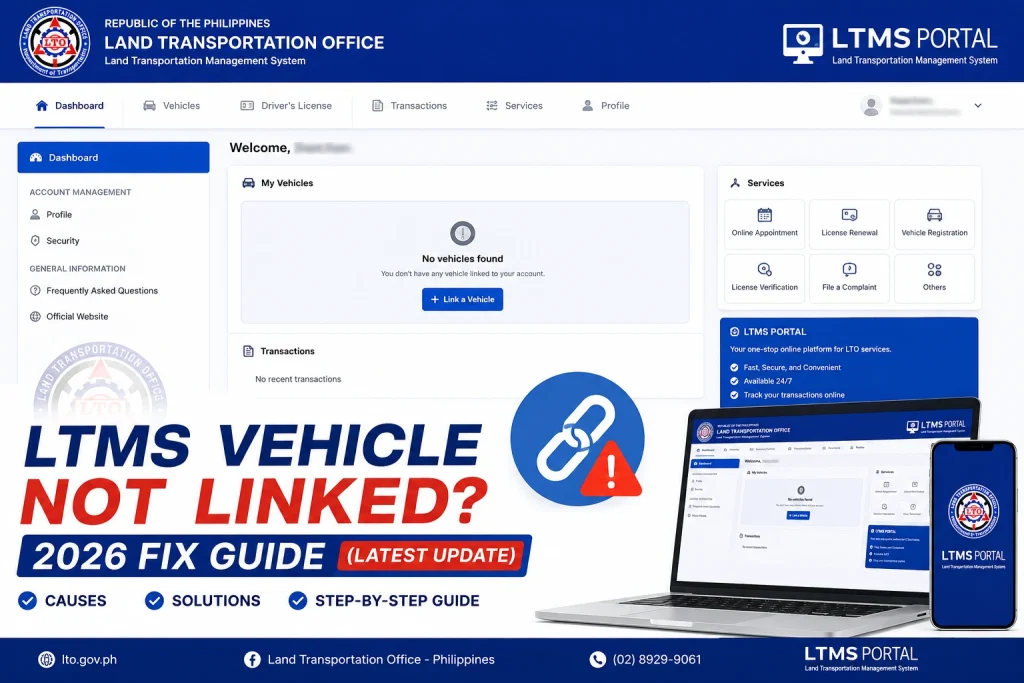
Many drivers in the Philippines face a common problem when trying to renew their vehicle registration online: “My vehicle is not linked in LTMS.” If your vehicle does not appear in your account, you may be unable to pay fees or complete the renewal process.
This guide explains why this happens and how to fix it in 2026, step by step.
Why Vehicles May Not Be Linked in LTMS
Several reasons can cause your vehicle not to appear:
Tip: Always check your personal info and ensure your documents are complete before attempting online renewal.
How to Check if Your Vehicle Is Linked
Additional Check: Cross-reference your OR/CR (Official Receipt / Certificate of Registration) to confirm that the registration matches your LTMS account.
You can also read: LTO Portal Scam Warning: Fake LTMS Sites in 2026
Step-by-Step Fix in 2026
Ensure your name, birth date, and license number match exactly with your vehicle registration documents.
Correct any mismatched information in your LTMS profile to allow proper linking.
Make sure you are logged into the correct LTMS account.
If your vehicle is linked to another account, request LTO support to consolidate records.
Medical certificates, exam results, or other required documents may be needed for linking.
Ensure the uploaded files are clear, readable, and in accepted formats (PDF/JPG/PNG).
Bring your OR/CR and personal ID for verification.
LTO staff can manually link the vehicle to your account if system errors occur.
After linking, your vehicle will appear in the LTMS Portal.
You can now pay fees and complete the renewal process digitally.
Tips to Avoid This Problem
Register LTMS account first:
Always set up your account before attempting renewal.
Keep personal details up-to-date:
Name, birth date, and license number must match your documents.
Verify your OR/CR details:
Make sure the vehicle registration matches your LTMS records.
Link LTMS and eGovPH accounts:
This reduces login and renewal errors.
Check pending payments or violations:
These may block linking if unresolved.
Common Issues After Linking Vehicles
Even after linking, some drivers face minor issues:
Vehicle not appearing in eGovPH:
Make sure LTMS and eGovPH accounts are linked.
Payment errors:
Always use official payment channels; pending or duplicate payments may block renewal.
Incorrect vehicle info:
If your vehicle details (make, model, plate number) appear wrong, update them immediately in LTMS.
Tip: Always refresh your portal or app and check after a few hours; sometimes the system needs time to sync records.
How to Prepare for Smooth Online Renewal
Preparation is key for a hassle-free renewal:
Why Linking Your Vehicle Matters in 2026
Linking your vehicle in LTMS is crucial because:
Without linking, you cannot complete online renewal or pay fees digitally, and you may need to visit an LTO branch.
FAQs
Conclusion
If your vehicle is not linked in LTMS, it can delay your online renewal. By verifying your account details, checking for duplicates, uploading required documents, and contacting LTO support when needed, you can fix the problem quickly.
Once your vehicle is correctly linked, online renewal through LTMS or eGovPH becomes simple, fast, and convenient. Stay prepared and keep all documents ready to avoid delays in 2026.


