
Fix LTMS Portal: Why It’s Showing Old Data Update (2026)
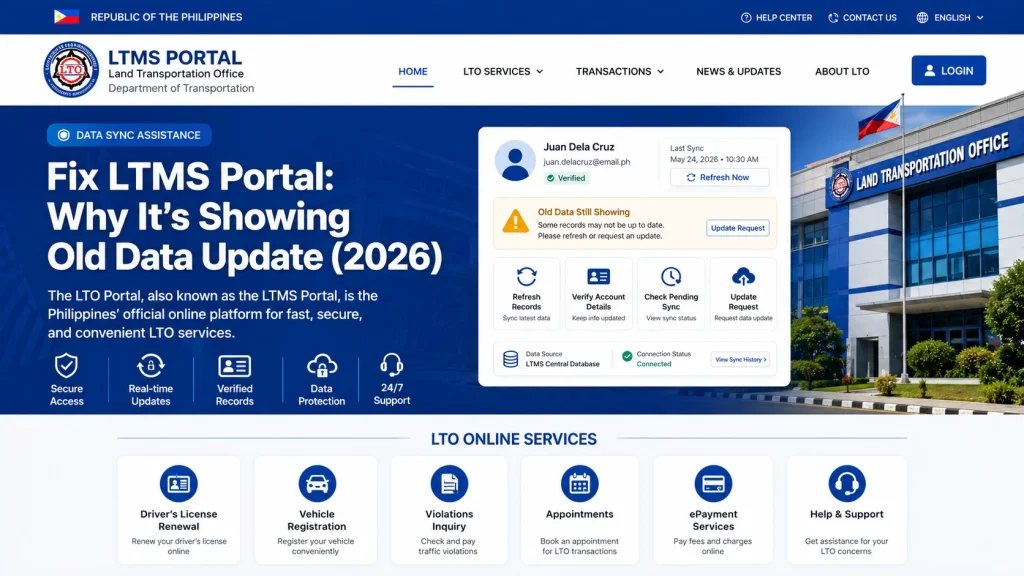
LTMS Portal showing old data can be frustrating, especially when you recently updated your profile, renewed your driver’s license, changed personal details, registered a vehicle, or completed an LTO transaction. Many users expect instant updates, but LTMS records do not always refresh immediately.
Old data does not always mean your transaction failed. In many cases, outdated information is caused by system sync delays, manual verification, incomplete processing, account mismatches, or branch-level record updates that take time.
Why LTMS Portal May Show Old Data
LTMS is a digital platform, but not every update appears instantly. Some records may need to pass through multiple verification steps before they fully reflect online.
Common causes include:
This means your information may already be processing even if the portal still shows older details.
You can also read: LTMS Portal: Fix Account Lock and Registration Errors (2026)
Browser Cache May Be Showing You Old Information
Sometimes the LTMS Portal itself is updated, but your browser is loading old saved data.
Simple Fix:
This is one of the fastest and easiest troubleshooting steps.
Recent Transactions May Need Processing Time
Some LTMS updates, especially those involving:
may take time before appearing online. Digital systems sometimes update in stages instead of instantly.
If you recently completed a transaction, waiting a reasonable processing period may be necessary.
Branch Records and LTMS May Not Sync Immediately
Certain updates completed at an LTO branch may first be processed locally before syncing fully to the LTMS Portal.
For example:
This delay can create temporary old data issues.
Duplicate Accounts Can Cause Wrong Data Display
If you accidentally created multiple LTMS accounts, your records may be split, mismatched, or linked incorrectly.
This can lead to:
If you suspect duplicate accounts, avoid creating more. Official support may be needed.
Dealer or Agent-Managed Accounts May Cause Record Confusion
If a dealership or third party registered your LTMS account, your visible data may not fully match your expectations.
Problems may include:
This is why personal account ownership matters.
What to Do If License Renewal Is Not Reflecting
If your renewed license still shows old expiration or status:
Check Transaction History
Look for successful processing or payment confirmation.
Review Submitted Documents
Make sure required steps were fully completed.
Wait for Full System Sync
Some updates may not appear instantly.
Contact Official LTO Support
If delays seem unusually long, official support may help verify status.
What to Do If Vehicle Registration Data Is Old
If your new vehicle, OR/CR, or registration status is missing:
Newly registered vehicles may take time to appear.
Personal Detail Changes May Require Verification
Changes involving:
may require manual validation before replacing old data.
Incorrect submissions can also delay updates.
How to Force a Safer LTMS Data Refresh
Try these steps:
Avoid repeated submissions, which may create confusion.
When Old Data Means a Bigger Problem
If LTMS still shows outdated data for a long time, possible causes include:
At this point, official LTO Client Care or branch assistance may be necessary.
What Not to Do
Avoid these mistakes:
Patience plus proper verification is often safer.
Quick Troubleshooting Checklist
| Problem | Best First Step |
|---|---|
| Old profile data | Clear cache |
| License not updated | Check transaction history |
| Vehicle missing | Confirm profile linkage |
| Dealer-created account issue | Verify account ownership |
| Branch transaction delay | Wait for sync |
| Long-term outdated records | Contact LTO |
FAQs
Conclusion
LTMS Portal old data problems are frustrating, but they do not always mean your transaction failed. Many outdated record issues are caused by sync delays, cache problems, branch processing, or account mismatches.
Start with simple fixes like clearing cache, checking transaction history, verifying account ownership, and allowing time for updates. If old data continues too long, official LTO support is usually the safest next step. A careful approach can help you avoid duplicate accounts, unnecessary payments, and bigger LTMS record problems.


