
How to Fix LTMS Verification Email Not Arriving (Guide 2026)
If you just signed up for the LTO Portal (LTMS Portal) in the Philippines but never got the verification email, I know how frustrating that feels. You’re ready to use the portal — for renewing your license, checking records, or paying fines — but the portal won’t let you in without that verification link. Don’t worry — this guide will help you fix that step by step.
Why You May Not Be Getting the Verification Email
Here are some common reasons the LTMS verification email doesn’t show up:
You can also read: Solve LTMS Login Issues: No Email, No Client ID Update (2026)
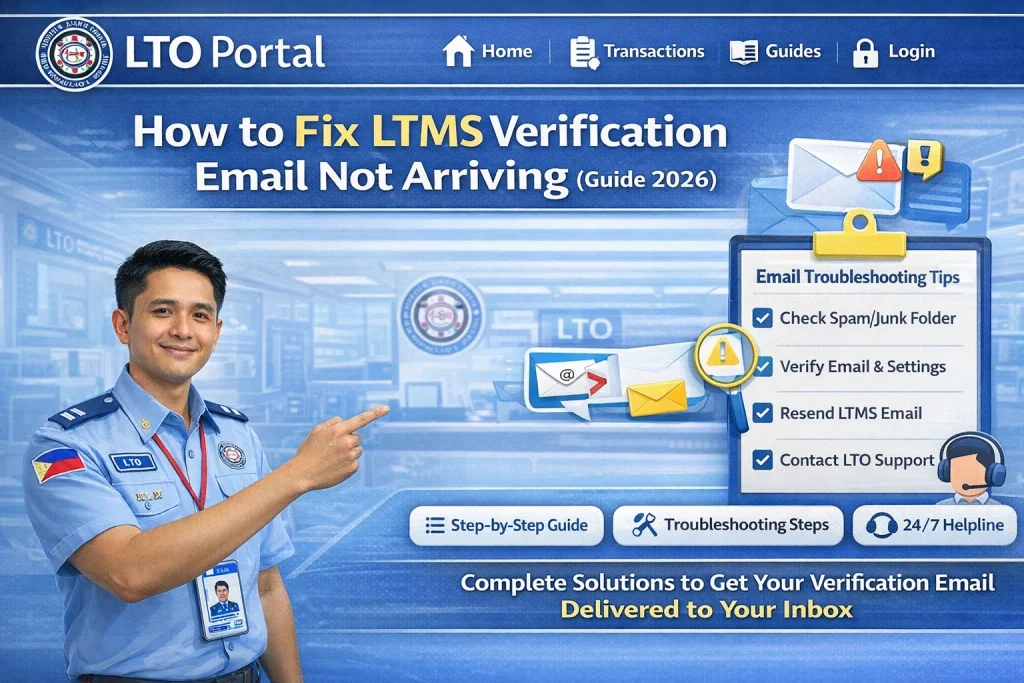
Step-by-Step: What to Do When the LTMS Verification Email Doesn’t Arrive
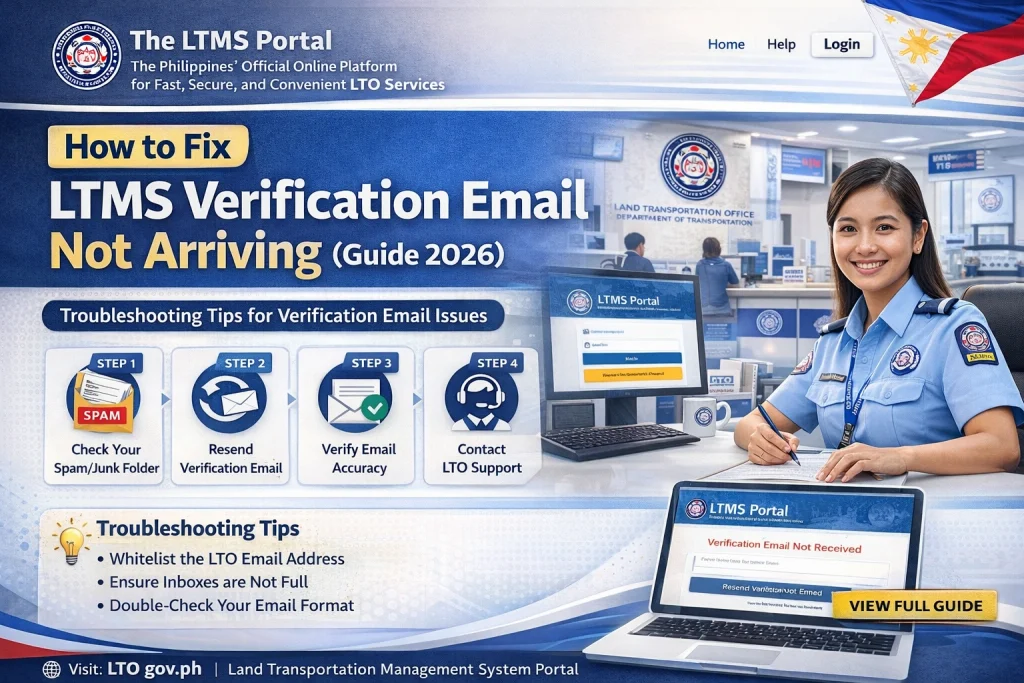
- Sometimes the system takes a while to send the email after registration. Wait at least a full day before trying other steps.
- ook in:
- Spam
- Junk
- Promotions
- Updates tab (for Gmail)
- Verification emails often end up in those folders. If you find it there, mark it as Not Spam so future messages go straight to your inbox.
- If you made a typo while signing up, you’ll never get the email.
- Go back to the LTMS registration page
- Make sure the address you used is correct before resending the email.
- If the portal has a Resend Verification Email button, click it.
- Sometimes the first link expires or doesn’t go through, especially during high traffic.
- Sometimes your browser cache causes problems.
- Try logging in from another browser (Chrome, Firefox, Edge)
- Try your phone instead of your computer
- Clear cache/cookies and try again — this can fix hidden bugs.
- If none of the above works, don’t stress. You can ask the LTO to help with your account.
- Email LTO Client Care
- Explain your issue and include:
- Your full name
- The email you registered with
- Your driver’s license number
- Screenshot of the problem (optional)
- They can resend the verification link or help fix your account.
- If you want a sure solution, you can visit an LTO branch in person. Staff can:
- If you want a sure solution, you can visit an LTO branch in person. Staff can:
- Check your registration
- Fix verification status
- Assign a client number you can use to sign in
- Help you finish registration right there
- Bring a valid ID so they can confirm your identity.
- Help you finish registration right there
Common LTMS Portal Errors to Look Out For
In addition to the verification email issue, users often face other LTMS portal problems. Here are a few common errors you should be aware of:
License Already Registered
This error usually happens when the system detects an old registration entry under your name.
Account Locked
Too many failed login attempts can lock your account. If this happens, you’ll need to reset your password.
Data Mismatch
Sometimes your vehicle or license information doesn’t sync correctly, and it may take a while to update.
Server Timeouts
When there’s heavy traffic on the LTMS system, server timeouts can occur, making it impossible to access your account.
What to Do If LTMS Portal Is Unavailable
Occasionally, the LTMS portal goes offline for maintenance or due to server issues. Here’s what you can do if that happens:
Check Official Updates
Follow LTO’s official social media accounts for service announcements and updates about the LTMS system.
Wait and Retry
Often, it’s just temporary. Try logging in after an hour or two.
Use Offline Services
In case of a prolonged outage, visit your local LTO branch for services like license renewal and vehicle registration.
Tips to Keep Your LTMS Portal Account Secure
It’s important to keep your LTMS account secure to avoid any unauthorized access. Here are a few tips:
Use Strong, Unique Passwords
Avoid using simple passwords. Use a combination of letters, numbers, and symbols.
Enable Two-Factor Authentication (if available)
This adds an extra layer of security by requiring a second form of verification.
Check for Scams
Always double-check emails or links you receive related to LTMS. Avoid clicking on suspicious links to protect your information.
Update Your Details Regularly
Keep your personal details like your address and email up to date to avoid issues during registration or renewal.
FAQs
Conclusion
Fixing the LTMS verification email issue is usually simple, but it requires patience and careful attention to detail. If you follow the steps outlined above, you should be able to resolve most login or registration issues on your own. But if all else fails, LTO Client Care or your nearest branch will be there to help.
Remember, keeping your account updated and secure is key. By following these tips, you’ll be able to easily navigate the LTMS Portal and take full advantage of its services!


