
Dealer Won’t Share LTMS Access? Do This Update (2026)
If you’ve recently purchased a vehicle in the Philippines, and the dealer set up your LTMS Portal (Land Transportation Management System) account, you may have been expecting to gain full control over your account. However, if the dealer refuses to share your LTMS login credentials, this can be frustrating and leave you unable to manage your vehicle records online. Whether you need to update your vehicle details, renew your registration, or access any other important information, it’s crucial to get control of your LTMS account.
In this article, we’ll discuss why a dealer might withhold your LTMS login, how to resolve the issue, and what steps you can take to regain control of your account.
Why Might a Dealer Withhold LTMS Access?
Before we get into what you can do, it’s helpful to understand why a dealer might not be willing to share your LTMS access:
Dealer’s Account Management:
Some dealers may create the LTMS account using their email and contact details to help manage vehicle registrations on your behalf. They may not be fully aware that you’ll need control of the account after the transaction.
Privacy and Security Concerns:
Dealers might worry about sharing login details due to privacy and security concerns. If they’re using their credentials for multiple vehicles or clients, they may prefer to maintain control of the account.
Lack of Awareness:
Sometimes, dealers may not realize that once the vehicle is sold, you, as the buyer, should have full access to the LTMS account for managing your registration and license details.
Unfinished Paperwork:
If the dealer is still processing certain documents (like vehicle registration or renewal), they may not want to release access until everything is finalized.
You can also read: How to Get Your LTMS Login From a Dealer Latest Update (2026)
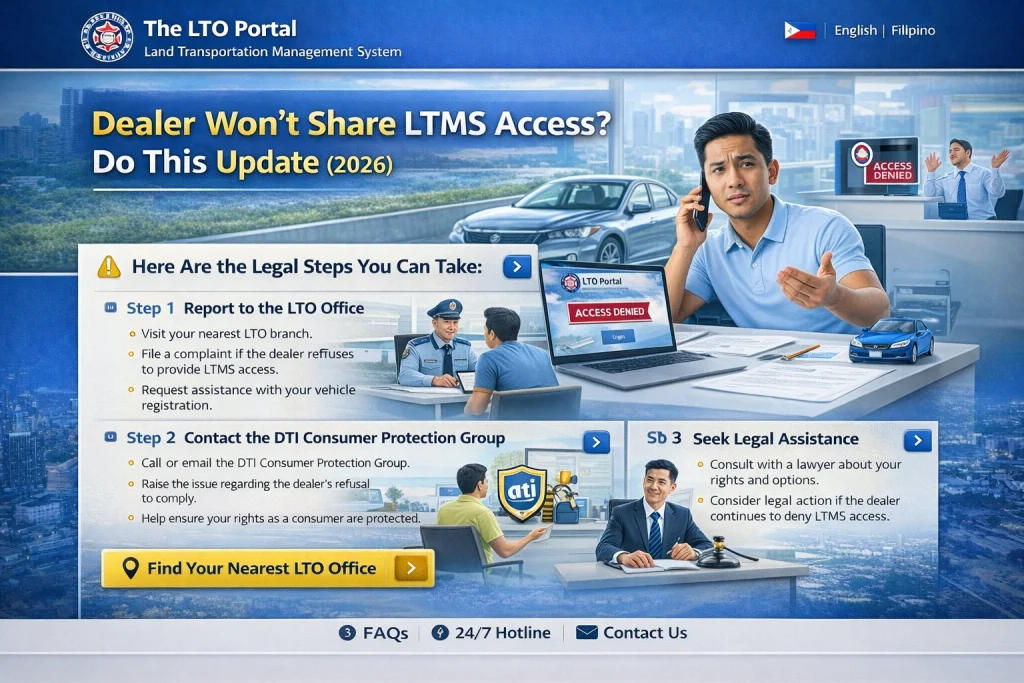
Steps to Take If Your Dealer Won’t Share LTMS Access
If the dealer won’t share your LTMS login details, don’t panic. Here are some steps you can follow to regain control over your LTMS account.
Speak with the Dealer Directly
The first step is to open communication with the dealer. It’s possible that they simply didn’t realize the importance of transferring LTMS access to you. Here’s what to do:
Explain your needs: Politely explain that you need the LTMS login credentials (email and password) to manage your vehicle’s registration, renewals, and other important records.
Request a change of email: If the dealer created the account using their email address, ask them to update it to your personal email address so that you can receive notifications and manage the account.
Ask for assistance: If the dealer is worried about privacy or security, assure them that you only want to manage your account and have full access to your own vehicle records.
Review Your Purchase Documents
If the dealer is still reluctant to provide access, review your vehicle purchase documents, such as:
Having these documents will help you demonstrate that you are the rightful owner of the vehicle and should have control over the LTMS account.
Contact LTMS Support
If the dealer continues to refuse access, it’s time to contact LTMS support for assistance. Here’s how you can get help:
Call LTMS Customer Service: The Land Transportation Office (LTO) customer service hotline can help you with issues related to account access. Be ready to provide details such as your vehicle’s plate number, chassis number, and client ID.
Email LTMS Support: Send an email to the LTMS support team, explaining the situation. Include your vehicle details and a clear request to transfer the account ownership to your name.
Submit a Complaint: If you feel that the dealer is acting unreasonably, you can file a formal complaint with the LTO. They can help mediate the issue and ensure you gain access to your LTMS account.
Visit Your Local LTO Office
If all else fails, visit your nearest LTO office in person. Bring the following documents with you:
The LTO office may assist in transferring the LTMS account ownership to your name or guide you on how to access the account if the dealer is unresponsive.
Change the Email and Password Yourself (If Possible)
If you somehow gained access to the LTMS account temporarily or received partial credentials from the dealer, make sure to change the email address and password to secure your account. Here’s how to do it:
Be Prepared to Escalate the Issue
If you’ve followed all the steps above and are still unable to access your LTMS account, it may be necessary to escalate the issue further. Some possible options include:
Escalating the issue with the LTO: The LTO can assist in transferring the account ownership or provide you with the necessary access.
Consulting a legal advisor: If the dealer is withholding access without valid reasons, you may need to consult a legal advisor to understand your rights and take further action.
Preventing Future Issues
Once you’ve successfully gained control of your LTMS account, it’s important to keep it secure and up-to-date:
Log into your LTMS account periodically to ensure all your vehicle information is correct.
If any changes are made to your vehicle or license, update them in the LTMS Portal.
Set up email notifications for vehicle registration renewals and penalty payments.
FAQs
Conclusion
If your dealer is refusing to share your LTMS login, it can be frustrating, but there are ways to get the access you need. By communicating with the dealer, reaching out to LTMS support, or even visiting your local LTO office, you can regain control of your account and manage your vehicle’s registration and details. Remember to keep your LTMS account secure by regularly updating your login credentials and contact information.


