
LTMS Registration Error: “License Already Registered” (2026)
If you’ve come across the error “License Already Registered” while trying to register on the LTO Portal (LTMS Portal), you’re not alone. This is a common issue that can happen during the registration process, and it’s usually caused by previous registrations or system sync problems.
Let’s break down the reasons why this error happens and how you can fix it.
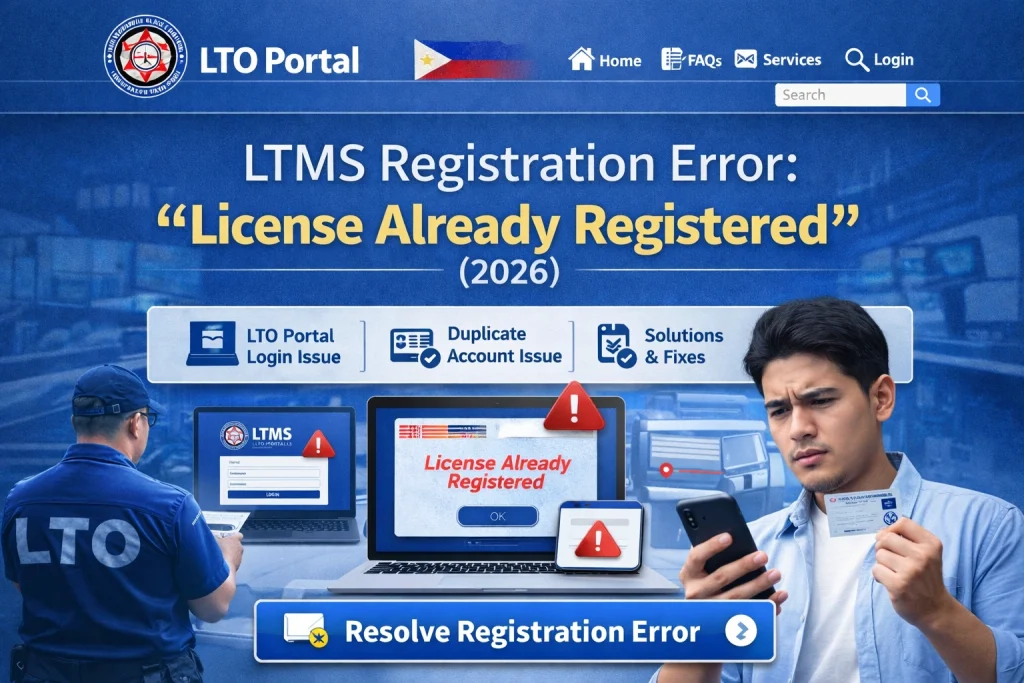
Why the “License Already Registered” Error Happens
This error typically occurs due to one of these reasons:
Existing Registration Under the Same Details
If you’ve already registered your driver’s license on the LTMS portal, the system won’t let you register it again. This happens when:
You’ve registered previously but forgot about it.
Your license was registered with the same email or personal details.
Data Mismatch in the System
Sometimes, the LTMS portal can have discrepancies between the data in their system and what you’re entering. This can happen due to:
A typo in your license number, name, or other personal details.
System errors when syncing your driver’s information with the portal.
Inconsistent Information Across LTO Databases
The LTO system might have registered your license with different details in their offline database and the LTMS portal. This can cause issues when the portal tries to retrieve your information for registration.
Partial or Interrupted Registration
If your registration was interrupted (like losing internet connection or not completing the process), the system might have partially saved your details, causing the “license already registered” error.
You can also read: Forgot Your LTMS Email? Here’s How to Recover It (2026)
How to Fix the “License Already Registered” Error
If you’ve encountered the “License Already Registered” error, follow these steps to resolve it:
Verify Your Details: Make sure the details you’re entering match your official documents, such as your driver’s license number, name, and birthdate. Any discrepancies can trigger this error.
Try Alternative Details: If you think there’s an error with your name or other personal details, try entering alternative information (like middle names or initials) that you may have used during your first registration.
If your license is already registered, you can simply log in instead of trying to register again:
If you’ve forgotten your login credentials, use the “Forgot Password” option to reset them.
Go to the LTMS login page and try logging in with the email and password you might have used during registration.
Your browser cache could be holding onto old data, preventing the registration process from working properly.
Clear your browser’s cache and cookies, then try registering again. This can often resolve glitches caused by outdated data.
If clearing your cache didn’t help, try using a different browser or device to complete your registration.
If you’re on a desktop, try registering via a mobile device or vice versa.
For example, if you’re using Chrome, try using Firefox or Safari.
If none of the above steps work, it’s time to reach out to LTO Client Care for help.
- Send an email to the LTO support team explaining the issue and include:
- Your full name
- Your driver’s license number
- A screenshot of the error message (if available)
- The email address you’re using to register
LTO Client Care can manually assist in clearing up the registration error and help fix any discrepancies with your details.
If all else fails and you can’t get the issue resolved online, you can visit your nearest LTO branch for in-person assistance.
The staff can help you update your information, clear any system errors, and ensure your registration is completed.
Bring your original driver’s license and a valid ID to confirm your identity.
FAQs
Conclusion
The “License Already Registered” error on the LTMS Portal is a common issue that can happen due to data discrepancies, registration issues, or system errors. Luckily, it’s easy to fix! By following the steps above, you should be able to resolve the issue quickly.
If the error persists, don’t hesitate to contact LTO Client Care or visit an LTO office for in-person assistance. Soon, you’ll be able to use the LTMS Portal without any hassle!


