
LTMS Portal Registration: Common Mistakes to Avoid (2026)
The LTMS Portal is a convenient way for drivers in the Philippines to handle various tasks like registering their vehicle, renewing their driver’s license, and completing required exams. However, many users encounter issues during the registration process due to simple mistakes. In this guide, we’ll cover some common mistakes to avoid during your LTMS Portal registration to ensure a smooth and hassle-free experience.
Entering Incorrect Personal Information
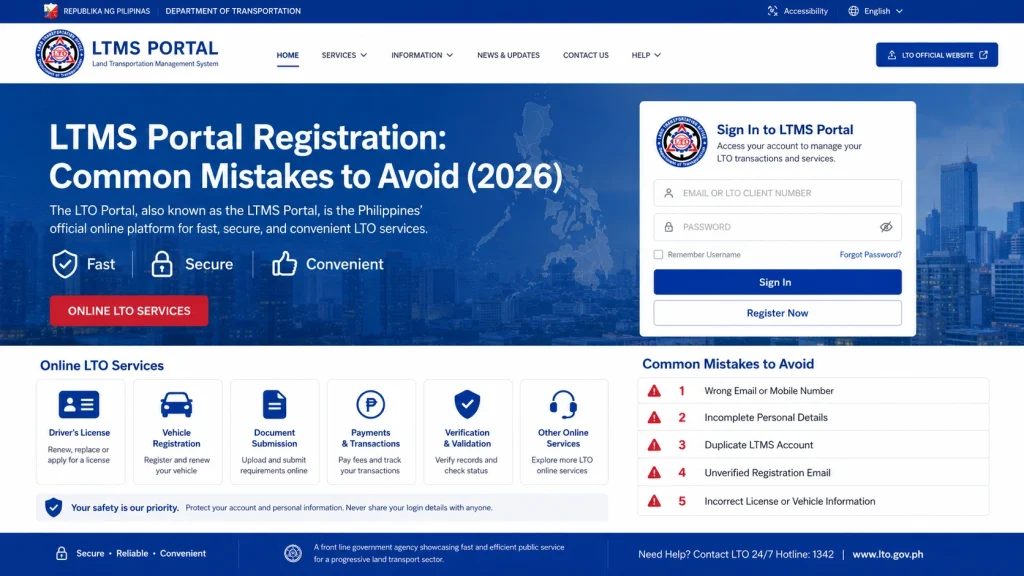
One of the most common mistakes during LTMS Portal registration is entering incorrect personal information. If the details you provide (name, date of birth, etc.) do not match the records held by the Land Transportation Office (LTO), your registration might fail or cause delays.
How to avoid this mistake:
Double-check your personal details:
Ensure your name, birth date, and other personal information exactly match the details on your driver’s license or government-issued IDs.
Use your full name:
Make sure you enter your full name, including your middle name or initials, as it appears on your official documents.
You can also read: LTMS Portal: How to Fix Email Verification Failures (2026)
Using Invalid or Temporary Email Addresses
Another mistake users make is registering with temporary or invalid email addresses. These addresses might not be accepted by the system or may cause issues with receiving verification emails and other important updates.
How to avoid this mistake:
Not Verifying the Email Address Promptly
After registering, the LTMS Portal will typically send a verification email to the address you provided. Many users make the mistake of not verifying their email address promptly, causing delays in the activation of their account.
How to avoid this mistake:
Uploading Low-Quality Documents
The LTMS Portal may require you to upload documents such as your driver’s license, proof of address, or government-issued IDs. Uploading low-quality or blurry documents can lead to errors or delays in your registration process.
How to avoid this mistake:
Providing Inaccurate Vehicle Details
If you are registering a vehicle, make sure the vehicle details (such as plate number, chassis number, and make/model) are entered correctly. Many users make mistakes when inputting these details, causing syncing or registration issues.
How to avoid this mistake:
Skipping the Terms and Conditions Agreement
During the registration process, you will be asked to agree to the terms and conditions of the LTMS Portal. Some users overlook this step, causing the registration process to fail.
How to avoid this mistake:
Using Multiple Accounts
While the LTMS Portal allows you to create an account, using multiple accounts to complete registration tasks can cause complications or delays, especially when trying to link your driver’s license and vehicle registration.
How to avoid this mistake:
Not Completing the Registration Process
Many users start the LTMS Portal registration process but fail to complete it. Whether it’s missing a document upload, not verifying their email address, or failing to review the details, incomplete registration can delay or prevent you from using the portal.
How to avoid this mistake:
Using an Unstable Internet Connection
A slow or unstable internet connection can disrupt the registration process, leading to incomplete submissions or failed attempts.
How to avoid this mistake:
Failing to Keep Track of Important Information
Sometimes, users forget to write down or save their LTMS login details, such as their email address and password. If you lose your credentials, it can delay your access to the portal.
How to avoid this mistake:
Save your login credentials:
Store your email address and password in a secure place, such as a password manager.
Keep track of your registration progress:
Take note of any important steps you’ve completed, especially if you need to revisit the portal.
FAQs
Conclusion
To ensure a smooth and efficient experience with the LTMS Portal, avoid these common registration mistakes. Double-check your personal and vehicle details, ensure your documents meet the portal’s requirements, and complete each step of the registration process.
By avoiding these mistakes, you’ll minimize delays and have full access to the LTMS Portal’s features.


