
LTMS Portal Login Problem: Fix Account Access Issues (2026)
The LTMS Portal is a convenient way for drivers and vehicle owners to manage their LTO tasks online, but sometimes, users encounter login issues or account access problems. If you’re facing difficulties logging in, this guide will help you troubleshoot the most common issues and get your account back on track quickly.
Common LTMS Portal Login Issues
Incorrect Username or Email Address
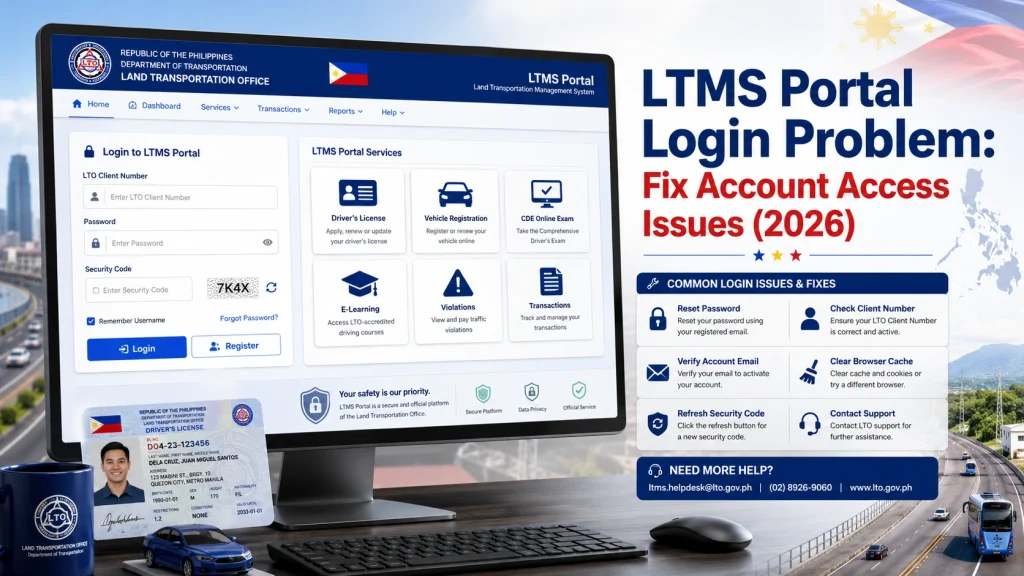
- One of the most common reasons for login issues is entering the wrong username or email address. Here’s how to fix it:
- Double-check your credentials: Ensure you’re using the correct email address or LTO Client Number. If you’re unsure, try the Forgot Username feature if available.
- Check for typos: Sometimes, simple typos (extra spaces, missing characters) can prevent you from logging in. Ensure your email or username is entered exactly as it was registered.
- If you’ve forgotten your password, the LTMS Portal offers a password reset feature. Here’s how to reset it:
- Click “Forgot Password?”: On the login page, click the “Forgot Password?” link.
- Follow the instructions: You’ll be asked to enter the email address or LTO Client Number you used during registration.
- Check your inbox: The portal will send a password reset link to your email. Click the link to reset your password.
- If you’ve attempted to log in multiple times with incorrect credentials, your account may become locked for security reasons. Here’s how to fix this:
- Wait for 24 hours: Sometimes, a temporary lockout occurs after multiple failed login attempts. Waiting a day often resolves this.
- Reset your password: After waiting, try resetting your password and logging in again.
- Contact LTO support: If your account is still locked or suspended, you may need to reach out to LTO customer service for assistance. They can help you unlock your account.
- If the information you provided during registration does not match LTO’s records, you may experience login issues. Here’s what to do:
- Check your personal details: Ensure that your name, birthday, and email address are entered correctly.
- Verify your documents: If you uploaded identification documents, make sure they match your registration details. Even small mismatches can lead to login failures.
- Sometimes, login issues can be caused by problems with your browser. Here’s how to resolve browser-related login problems:
- Clear browser cache: Cached data can interfere with your login process. Go to your browser’s settings and clear the cache and cookies.
- Try a different browser: Switch to a different browser (like Chrome, Firefox, or Edge) to see if the issue persists.
- Use incognito mode: Sometimes browser extensions can interfere with the LTMS Portal. Try using Incognito or Private Mode to log in without extensions.
You can also read: Fix LTMS Portal Login Problems in Less Than 5 Steps (2026)
How to Reset Your LTMS Portal Password
If you’re unable to access your account due to a forgotten password, follow these simple steps to reset it:
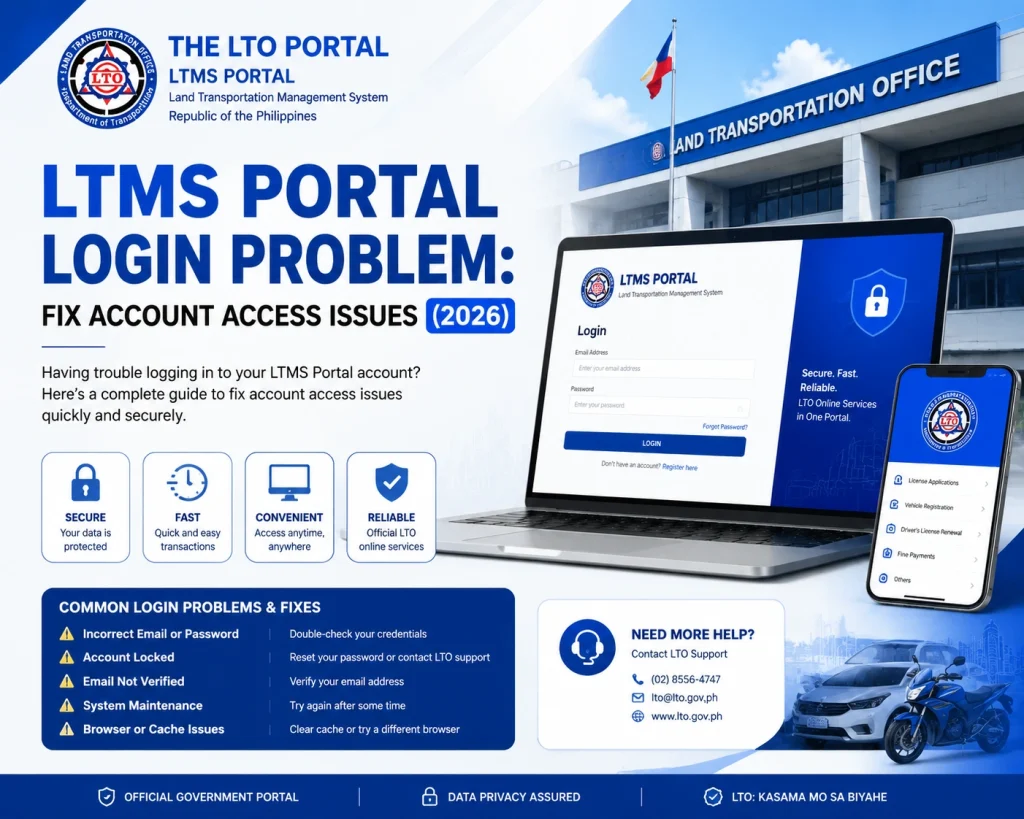
Tip: When creating a new password, make sure it’s strong (a combination of uppercase, lowercase, numbers, and symbols) to enhance security.
How to Recover Your LTMS Portal Account
If you’re still unable to access your LTMS account, follow these steps to recover your account:
Try the account recovery form:
If available, fill out the account recovery form on the LTMS Portal. You’ll be asked for your personal details, such as your name, email address, and contact number.
Reach out to LTO support:
If the recovery form doesn’t help, contact LTO customer service for assistance. Provide them with your registration details and explain the issue so they can help you recover your account.
Tips to Avoid Future LTMS Login Problems
Keep your credentials secure:
Don’t share your login details with anyone. Use a password manager to store your passwords securely.
Update your email address:
If you change your email address, make sure to update it in the LTMS Portal settings.
Enable two-factor authentication (if available):
This adds an extra layer of security to your account.
FAQs
Conclusion
Login issues with the LTMS Portal can be frustrating, but most problems can be fixed by following these troubleshooting steps. Whether it’s resetting your password, correcting your information, or clearing your browser cache, most issues can be resolved quickly. If you’re still having trouble, don’t hesitate to reach out to LTO customer service for assistance.
By following the steps in this guide, you’ll be able to resolve your LTMS Portal login problems and get back to managing your LTO services online.


