
Lost Your Card? Access Your e-Driver’s License 2026
Driving without your license card used to be stressful. But now, the Land Transportation Office (LTO) offers a digital driver’s license (also called e-Driver’s License or eDL) that you can carry on your phone. This is especially helpful if you lost your physical license card or just forgot it at home and Access Your e-Driver’s License.
In this article, I’ll explain how the digital license works, when you can use it, and what to do if you lost your card — in the simplest way possible.
What Is a Digital Driver’s License (eDL)?
A digital driver’s license is your official driver’s license in digital form.
You get it from your LTMS account once you apply for a new license or renew your old one online.
Think of it as the same license you’re used to, just in your phone instead of a plastic card.
You can also read: Does a Screenshot of Your License Count? (2026 Guide)
What It Can Do
You can use your digital license to:
Important: A screenshot or saved photo of your digital license usually won’t work. You must show it by logging into the LTMS portal or the eGovPH app so officers can verify it online.
Where to Access Your Digital License
You can view your eDL in two main places:
LTMS Portal (Official Online System)
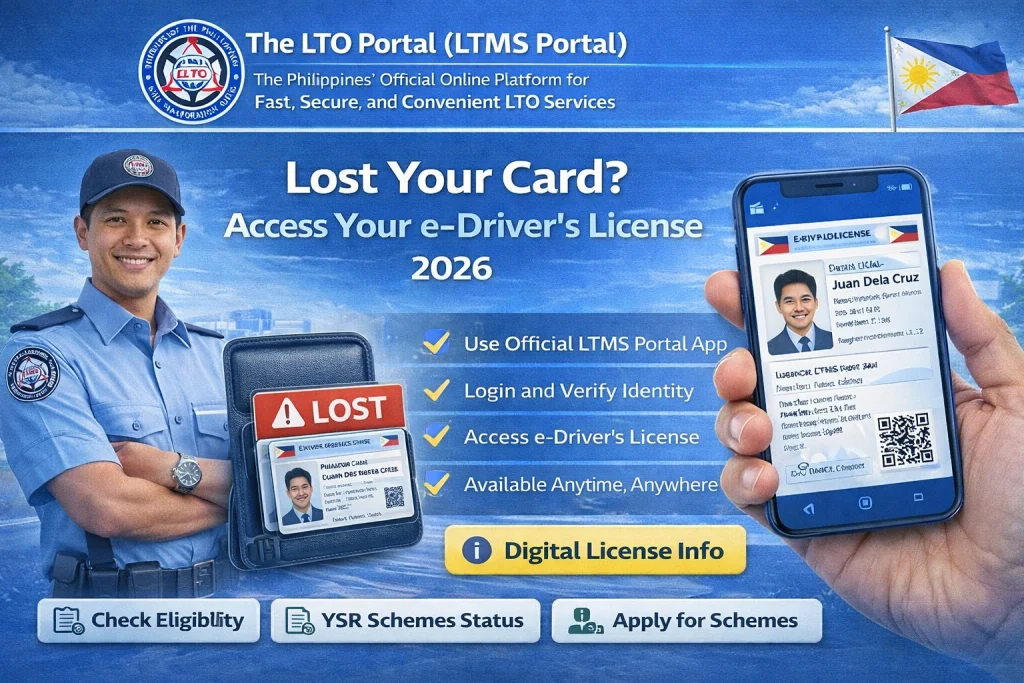
Go to the LTMS portal and log in with your account. Once logged in, click Digital ID to view your digital license.
eGovPH App (Mobile)
Download the eGovPH mobile app on Android or iPhone. After logging in and completing verification, tap NGAs → LTO to find your digital license.
What If I Lost My Physical License?
Even if your card is lost, you can still drive legally as long as:
But here’s the catch: the physical card is still considered the primary official document for many purposes (like certain IDs or paperwork).
So if your card is lost, you should still get a replacement (duplicate). Here’s the quick idea:
How to Replace a Lost License (Quick Steps)
This is the usual process if you lost your license card:
Some branches allow you to start the process online. Others still ask you to finish it at the LTO office.
(If you’re renewing at the same time as replacing, the process is usually smoother.)
When You Cannot Use the Digital License
Your eDL is great, but there are a few things to remember:
So always try to carry both — but don’t panic if you forget or lose the card.
Practical Tips
FAQs
Conclusion
Your digital driver’s license (eDL) from the LTMS portal is legally valid — you can use it to drive even if you lost your card.
But just because it’s legal doesn’t mean you shouldn’t replace the physical card too. It’s still required for some government transactions and can keep you out of trouble if verification is slow.


