
How to Check if an LTO Fine Is Real (2026 Simple Guide)
Getting a notice about a traffic fine can be confusing. Sometimes people aren’t sure if it’s a real LTO Portal (Land Transportation Office) fine, or if it’s a mistake, fake, or not yet recorded in the system.
In this guide, you’ll learn how to confirm whether an LTO fine is real, what steps to take, and where to check it properly so you avoid scams, delays, or wrong payments.
Why You Need to Confirm an LTO Fine First
Before you pay a fine, it’s important to know if it’s real because:
You can also read: How to Fix a Stuck LTMS Renewal (2026 Guide)
Step 1: Check the Violation Directly in the LTMS Portal
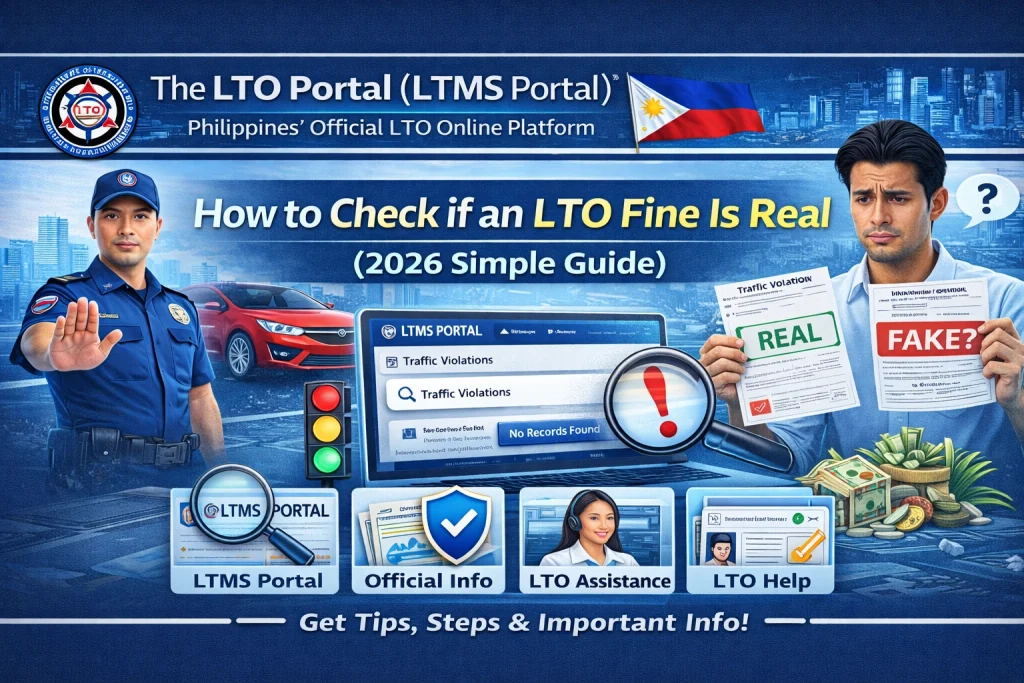
The LTMS Portal (Land Transportation Management System) is the official system that shows your fines and violations. Here’s how to check:
- If the fine appears here, this means it’s officially recorded in the LTO system.
If it doesn’t show up yet, this could mean:
Check again after a few days because sometimes the system takes time to update.
Step 2: Compare with the Actual Ticket or Notice
If you have a physical traffic ticket from a traffic enforcer or police, compare it with what’s in the portal:
Check these details:
If they match what is shown in the portal, then the fine is real and recorded.
If there’s a mismatch, it could be:
In these cases, go to Step 3.
Step 3: Contact the Issuing Traffic Enforcement Office
If the fine is not showing in LTMS but you have a ticket:
In many cases, local enforcement will upload data slowly or manually. Once they upload it to LTO, it will appear in your LTMS account.
Step 4: Visit the LTO Branch If Needed
If the violation still doesn’t show in the LTMS portal after checking with the issuing office, you can go directly to any LTO branch:
Bring:
Request the staff to check the system using your name or plate number. They can confirm whether the fine exists in the official LTO database or not.
Step 5: Check Through LTO Hotline or Help Desk
Many LTO branches or customer service centers also have:
You can send a message with your:
They can tell you if the fine has been officially logged or if there was a system delay.
Can You Pay Online First Before Checking?
No. It’s wise to confirm first before paying because:
Always verify with the official LTO system first.
Tips to Avoid Fake LTO Fines
What If the Fine Is Real But Not Yet Recorded?
This is common because sometimes violations need to be:
In this case:
Once it is recorded, it will appear in LTMS.
FAQs
Conclusion
Confirming an LTO fine before paying is very important. The only real and official way to check if a fine is real is to look at the LTMS portal or verify with LTO staff.
Don’t pay random fines sent by third‑party messages unless you confirm them in the official system. Always double‑check your account details, violation history, and ticket information before payment.
By following these simple steps, you can save money, avoid fake fines, and keep your driving record accurate and clean.


