
Who Owns the LTMS Account for Your New Car Update (2026)?
When you purchase a new vehicle in the Philippines, the LTMS Portal (Land Transportation Management System) Portal becomes an essential part of managing your vehicle’s records. Through the LTMS, you can access your registration details, renew your vehicle’s registration, pay fines, and much more. But if you’re buying a car through a dealership, you might be wondering: Who owns the LTMS account for your new car?
In this article, we’ll clarify who owns the LTMS account for a newly purchased vehicle, why this is important, and what you need to do to ensure you have full control of your account.
What Is the LTMS Portal?
The LTMS Portal is an online platform provided by the Land Transportation Office (LTO) that allows vehicle owners and drivers to manage their records conveniently. It includes services such as:
When you buy a new car, the dealer often handles the registration process with the LTO, and may also set up the LTMS account for you. However, the question remains: Who truly owns the LTMS account for the vehicle?
You can also read: How to Track OR/CR Status in LTMS — Step-by-Step Guide (2026)
Who Typically Owns the LTMS Account for a New Car?
In most cases, the LTMS account for your new car is initially created by the dealer on your behalf. However, the ownership of the account should be transferred to you, the vehicle owner once the transaction is complete.
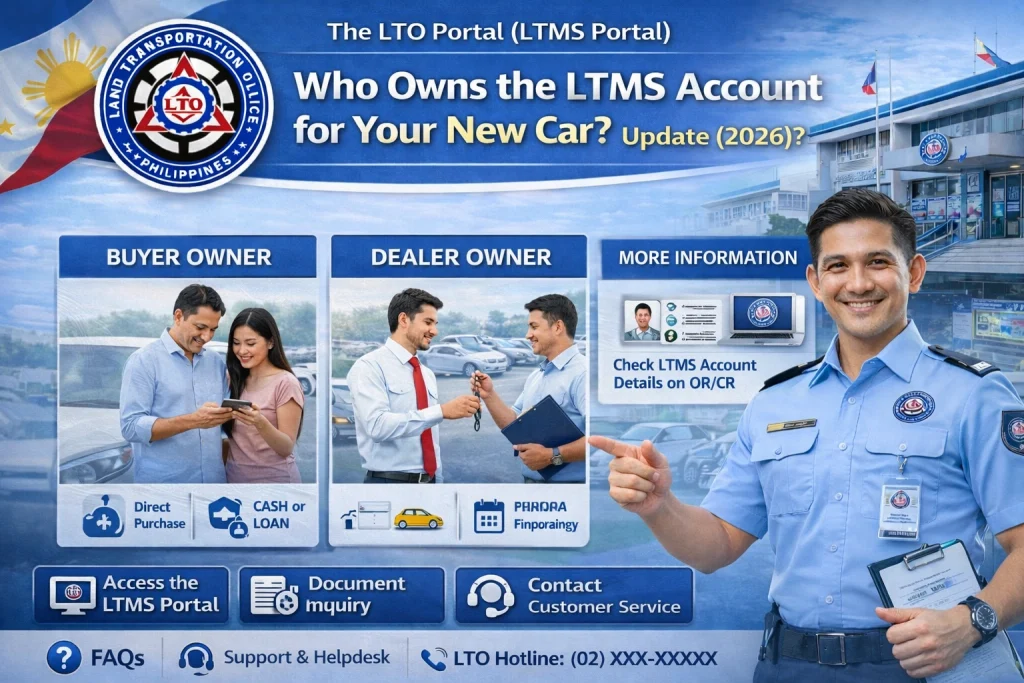
Here’s how it generally works:
Dealer Creates the LTMS Account:
When you purchase a new car, the dealer often handles the registration process, which includes creating an LTMS account for the vehicle. The dealer may use their own contact information, such as their email address, during the account setup. This is because they are assisting with the initial paperwork and registration process.
Vehicle Ownership Transfer:
After purchasing the car, the LTMS account should be linked to your name as the official vehicle owner. This is crucial because the LTMS portal contains important vehicle and driver records, such as registration status, fines, and renewals. If the dealer retains control of the account, it could lead to confusion when you need to access your vehicle details.
Account Control After Purchase:
Ideally, after the vehicle is sold to you, the dealer should transfer the LTMS account ownership to you. This includes transferring the email address and contact information associated with the account. Once this is done, you’ll have full control over your LTMS account and can manage your vehicle’s registration and details.
Why Is It Important to Know Who Owns the LTMS Account?
Knowing who owns the LTMS account for your new car is important for several reasons:
Access to Your Vehicle Records:
You’ll need full access to your LTMS account to manage your vehicle’s registration, renew it, and track any fines or penalties. If the dealer maintains control of the account, you may not be able to manage these records independently.
Security and Privacy:
The LTMS account contains sensitive information about your vehicle, including your plate number, chassis number, and engine number. If the dealer still controls the account, they might have access to your personal data. It’s crucial to transfer the account to your name to ensure privacy and security.
Notifications and Updates:
By transferring the LTMS account to your personal email address, you’ll receive important notifications about your vehicle, such as registration renewals, fines, and vehicle inspections. If the dealer’s email is still tied to the account, you may miss these notifications.
Account Control:
Once the account is under your name, you’ll be able to update your vehicle’s details, manage the registration, and handle any other changes you need to make without relying on the dealer.
What Should You Do If the Dealer Created Your LTMS Account?
If the dealer created your LTMS account and you haven’t yet gained full control over it, here are the steps you should take:
Request the login details: Contact the dealer and ask for the email address and password used to create the LTMS account.
Verify your identity: Be ready to provide your vehicle details, such as plate number, chassis number, and engine number, to prove ownership.
Update the email address: Once you’ve logged into the LTMS portal, go to your account settings and update the email address to your personal email address.
Change the password: For security purposes, change the password to something unique and strong to ensure no one else can access your account.
Verify your vehicle’s registration details: Make sure your name is listed as the vehicle owner and that all other information is accurate.
Update your contact details: Double-check that your phone number and address are correct so that you receive any important updates.
If the dealer is unresponsive or refuses to transfer the account, you can contact LTMS support for assistance. Here’s how to do it:
Visit your local LTO office: You can visit your nearest LTO office to ask for assistance in transferring the LTMS account ownership.
Email LTMS support: Provide details of the situation and request that the account ownership be transferred to your name.
After you’ve gained access to your LTMS account, monitor your records regularly to ensure everything is up-to-date. You should receive notifications for things like registration renewals, inspection schedules, and fines.
FAQs
Conclusion
If the dealer created the LTMS account for your new car, it’s important to ensure that ownership of the account is transferred to you once the vehicle is officially yours.
By following the steps outlined above, you can gain full access to your vehicle’s records and manage your registration, renewals, and fines independently. Full control over your LTMS account is essential for maintaining the security and privacy of your vehicle’s information.


