
Can You Use a Digital License at Checkpoints? (2026 Guide)
If you’ve recently renewed your driver’s license online through the LTMS Portal or eGovPH, you might be wondering if you can use the digital license at traffic checkpoints or during road inspections.
The short answer is yes — you can use your digital driver’s license at checkpoints. However, there are a few things to keep in mind to make sure your digital license is accepted smoothly.
Is the Digital License Valid at Checkpoints?
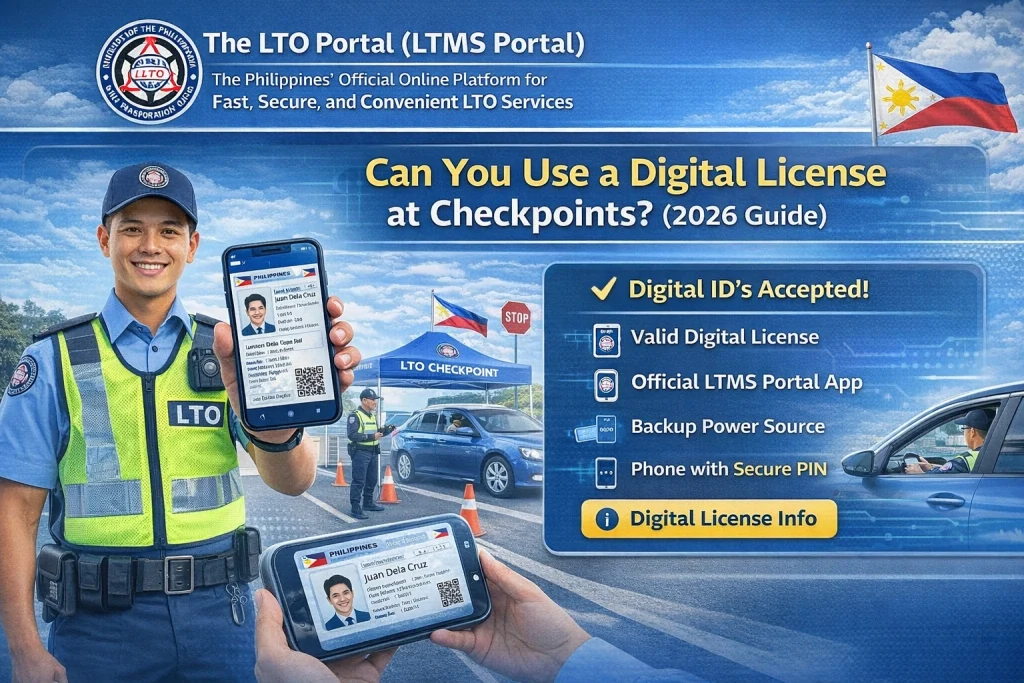
Yes, digital licenses are legally valid at checkpoints. The Land Transportation Office (LTO) has officially recognized digital licenses, meaning they hold the same legal weight as the physical plastic card. When stopped at a checkpoint, traffic officers can verify the digital license and accept it as proof of your driving privilege.
You can also read: LTMS Login Error: Top Fixes That Work Latest Update (2026)
How to Show Your Digital License at Checkpoints
Make sure the screen is clean, and the full license is visible. This includes your name, license number, and expiration date.
Traffic officers need to see the details clearly, so make sure your phone screen brightness is up and the text is legible.
If you’ve recently renewed or updated your digital license, ensure you’re showing the latest version. Some old or expired versions may not be accepted, so make sure your account is up-to-date.
Can Traffic Enforcers Reject a Digital License at Checkpoints?
While digital licenses are legal, traffic officers may still sometimes ask for the physical card. This may happen because:
However, in most cases, the digital license will be accepted, as long as it’s clear and valid.
Tips for Using Your Digital License at Checkpoints
What If My Digital License Is Not Showing or Unavailable?
If your digital license is missing or not showing up when you try to access it at a checkpoint:
Ensure Your LTMS/eGovPH Account is Active
Double-check that your account details are correct and you’re signed in.
Wait for the System to Update
Sometimes the LTMS Portal or eGovPH system takes time to update, especially if you just renewed.
Contact LTO Support
If your digital license still isn’t appearing, you may need to contact LTO customer support for assistance.
FAQs
Conclusion
In summary, you can use your digital LTO license at checkpoints in the Philippines. It’s legally accepted, just like the physical card. However, it’s a good idea to carry both the digital version and the physical card as a backup for convenience.
With more people using digital versions of their licenses, it’s becoming more widely accepted by law enforcement. So, feel confident showing your digital license whenever needed!


