
Violation Not Showing in LTMS? What to Do (Simple Guide 2026)
If you checked your Land Transportation Management System (LTMS) account and your traffic violation is not showing, it can be confusing and stressful. Many motorists in the Philippines use the LTMS Portal to view violations, pay fines, and check their driving records. But sometimes violations don’t appear correctly or at all.
This guide explains why this happens and what you can do in easy, everyday language.
What Does It Mean When Your Violation Is Not Showing?
Traffic violations in LTMS are supposed to appear under your account once they are recorded in the Land Transportation Office (LTO) system.
If a violation does not show up in your LTMS account, it means:
You can also read: LTMS Fine Not Posted Yet? Read This (2026 Guide)
Common Reasons Violations Don’t Appear in LTMS
Violation Not Yet Uploaded to the System
After a traffic ticket is issued by a traffic enforcer or LTO personnel, it still needs to be uploaded into the central database. This can take time, especially in busy offices.
Some motorists report that violations can take several days or weeks before they appear in LTMS.
Incorrect or Mismatched Details
f your LTMS account has:
A slightly different name,
Plate number,
OR/CR details,
the system might not match the violation to your profile.
Even small differences like spelling errors or missing zeros can cause mismatches.
Violation Was Issued in a Different Place or Office
Some local government units (LGUs) use their own enforcement systems and may take time to send data to the LTO central database. For example:
City traffic enforcement systems
Provincial municipalities
Until the data is shared and synced with LTO, it won’t show in your LTMS violation list.
System Sync Delays
Like any online system, LTMS may sometimes be slow to sync new records between branches and the central office. This means your violation may exist in the system but not yet visible in your portal.
What You Can Do When a Violation Is Not Showing
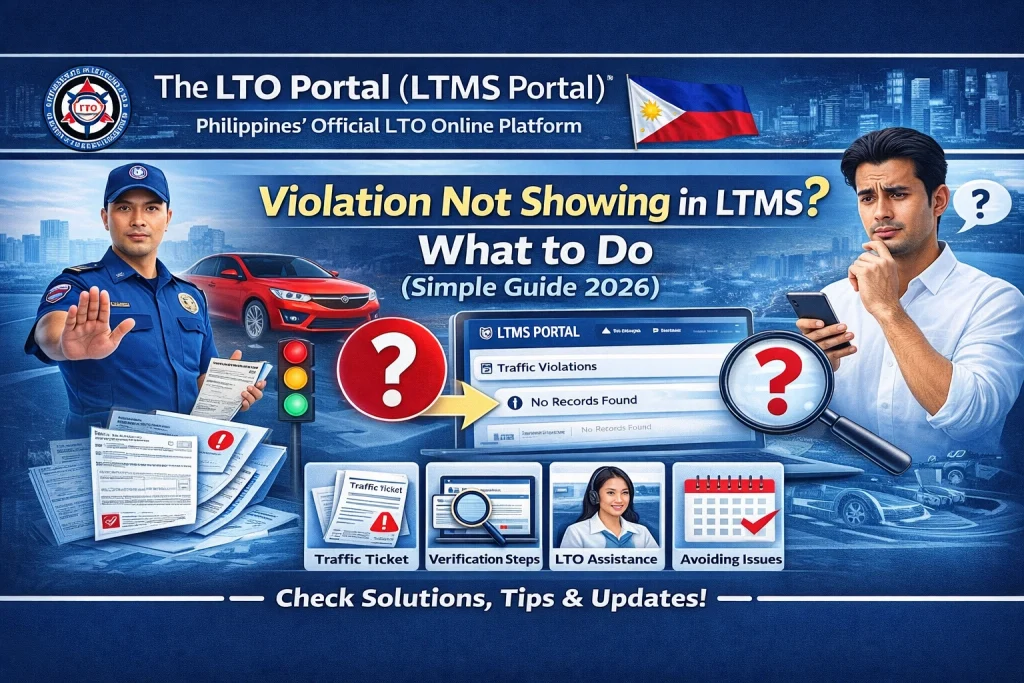
Sometimes violations take time to appear in the portal after they are issued. Wait 3 to 7 days and check your LTMS account again.
Go to your account and verify that:
If these are not correct, the system may not match your violation.
- If you remember where the violation was written (e.g., city street or highway checkpoint), you can:
Inside the LTMS Portal, there is usually a Help or Support option where you can send a message.
Include:
Ask them to check if the violation has been uploaded and linked to your account.
If you have tried all online steps and still can’t see the violation, you can go to your nearest LTO branch.
Bring:
The staff can look into the database and confirm whether the violation has been recorded.
Why It Matters to Check Violations in LTMS
Knowing your violations is important because:
Keeping your record clear and updated helps prevent problems later.
Tips to Avoid Violation Display Problems
FAQs
Conclusion
It can be frustrating when your traffic violation doesn’t show up in the LTMS Portal, but this usually happens because of system delays, mismatched details, or incomplete uploads. By waiting a few days, checking your profile, or contacting the right office, you can usually find and resolve the issue.
If the violation is real, it will eventually show up once it is properly recorded in the system. Stay patient and proactive so you can handle it early and avoid bigger problems later.


